 Is Now Vyapar TaxOne | Same Trust, New Name!
 AI Weapon for Financial Soldiers
Vyapar TaxOne


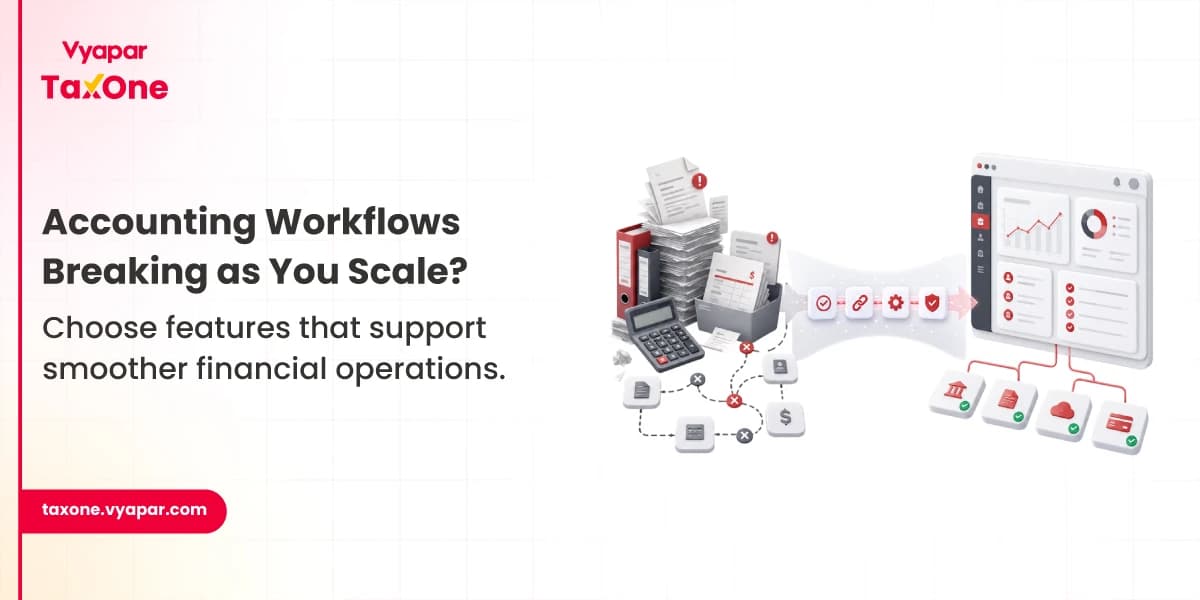
Choosing accounting software isn't simply about comparing feature lists. It's about finding a system that supports the way your finance team actually works.
We've seen businesses invest in software that looked impressive during demos but created more manual work once transaction volumes increased. Month-end closing became slower, reconciliations moved back to Excel, and finance teams spent more time validating data than analysing it.
The right accounting software depends on your business stage.
Many businesses only realise they need better accounting software after facing common accounting problems like delayed reporting, manual bookkeeping, reconciliation issues, or poor financial visibility.
A small business doesn't need enterprise-level capabilities, while a growing company may quickly outgrow software designed for basic bookkeeping.
Here are the accounting software features that matter most as your business grows.
For smaller businesses, the accounting team is often responsible for everything, from bookkeeping and invoicing to GST compliance and bank reconciliation. The priority is reducing manual work and maintaining visibility over daily financial activities.
A good financial dashboard should give you an instant view of cash flow, outstanding receivables, vendor payments, revenue, and expenses.
Instead of opening multiple reports, accounting teams should be able to identify issues quickly and prioritise actions before month-end.
Practitioner observation: We've often seen finance teams prepare separate Excel summaries for management because their software doesn't provide a consolidated financial view.
The general ledger becomes the first place accountants check when balances don't match, or auditors ask for transaction details.
Look for software that makes it easy to search ledger entries, review voucher history, and trace adjustments without navigating multiple reports.
Recording expenses is easy. Tracking incomplete expense records is where most businesses struggle.
Your accounting software should help monitor pending expenses, missing supporting documents, and expense categories so incomplete entries don't surface during reconciliation.
Vendor invoices often get delayed because approvals happen across multiple teams.
A clear accounts payable dashboard helps finance teams monitor pending approvals, upcoming due dates, and outstanding vendor payments before they become last-minute issues.
Sending invoices is only the beginning of the receivables process.
Accounting software should help teams monitor overdue invoices, partial payments, customer follow-ups, and ageing receivables without maintaining separate spreadsheets.
As transaction volumes grow, manually matching bank statements with accounting records becomes difficult.
Look for software that helps identify unmatched transactions, duplicate postings, timing differences, and unrecorded bank charges so reconciliation takes less time.
Practitioner observation: Most reconciliation issues become visible during month-end when finance teams have limited time to validate hundreds of transactions.
Invoice processing usually involves procurement, department heads, and finance teams.
Software should provide visibility into pending approvals, missing documents, and invoice status so payment delays can be identified before they affect vendor relationships.
Improving your invoice processing workflow can also reduce approval delays, improve document tracking, and help finance teams process invoices more efficiently.
Consider a trading business processing more than 400 invoices every month.
Invoices arrive through emails, WhatsApp, and paper copies. Since approvals and expense tracking happen manually, several invoices remain pending until the month-end. The finance team spends almost another week validating missing documents before closing the books.
The issue isn't the number of invoices; it's the lack of workflow visibility.
As businesses expand, accounting operations become more complex. Finance teams coordinate with procurement, inventory, payroll, sales, and management while handling larger transaction volumes.
At this stage, accounting software should help teams manage operational complexity without increasing manual effort.
Businesses working with overseas customers or suppliers need software that records foreign currency transactions accurately while supporting exchange rate calculations and financial reporting.
Without this capability, finance teams often rely on spreadsheets, increasing reconciliation effort.
Inventory directly affects financial reporting, purchase accounting, and profitability.
Accounting software should help monitor stock movement, inventory valuation, purchase returns, and stock adjustments so finance teams don't spend days reconciling inventory with financial records.
Businesses managing client projects or long-term contracts should be able to track project costs, revenue, and profitability without maintaining separate Excel files.
Project-wise financial visibility helps management make better budgeting and pricing decisions.
As businesses grow, accounting data starts coming from CRM systems, payroll software, HR platforms, eCommerce stores, and other business applications.
Software that integrates with these systems reduces duplicate data entry and improves data consistency across departments.
Practitioner observation: We've often seen reconciliation efforts increase once finance teams start importing data from multiple business systems manually.
Every organisation has different approval processes, reporting structures, and financial controls. Instead of forcing teams to change their workflows, accounting software should be flexible enough to support existing operational processes.
Your accounting software should support future growth without requiring frequent system changes.
Before selecting a solution, consider whether it can handle:
Migrating accounting software after years of financial data have accumulated is often far more difficult than choosing a scalable solution from the beginning.
Large organisations don't just process more transactions; they manage multiple business units, locations, finance teams, and compliance requirements simultaneously.
At this stage, accounting software should help maintain control, improve visibility, and support governance across the organisation.
As businesses grow, standard profit and loss reports are no longer enough.
Finance teams often need reports that help answer questions like:
The ability to generate detailed reports helps management make informed decisions without relying on multiple manually prepared spreadsheets.
Not everyone in an organisation should have the same access to financial data.
A good accounting software should allow businesses to define user roles and permissions so employees can access only the information relevant to their responsibilities.
Look for features such as:
These controls become increasingly important as more users begin working in the system.
When multiple people work on accounting records, tracking changes becomes essential.
An audit trail helps finance teams review:
Practitioner observation: Audit trails often receive little attention during daily operations but become invaluable during statutory audits or when finance teams need to investigate unexpected ledger changes.
Growing businesses often need to manage multiple registrations, reporting requirements, and internal financial controls.
Accounting software should support compliance processes by maintaining organised financial records that simplify reporting and reduce corrections during audits or reviews.
The objective isn't simply meeting deadlines; it's ensuring financial data remains accurate throughout the reporting cycle.
Even the best accounting software requires support during implementation, month-end closing, or when operational issues arise.
Before selecting a solution, evaluate:
Responsive support helps minimise disruptions during critical accounting periods.
A manufacturing business operating across multiple locations processes several thousand financial transactions every month.
Sales, purchases, inventory, and banking information come from different departments. Since the data is consolidated manually before month-end, the finance team spends several extra days validating reports and resolving inconsistencies before finalising accounts.
The challenge isn't the transaction volume itself. It is the amount of manual coordination required to bring financial information together.
Before selecting an accounting solution, ask these questions:
✔ Does it provide clear visibility into receivables, payables, and cash flow?
✔ Can it simplify bank reconciliation and identify exceptions quickly?
✔ Will it support higher transaction volumes as the business grows?
✔ Does it integrate with your existing business applications?
✔ Can multiple users collaborate without affecting data accuracy?
✔ Does it provide detailed reporting for finance and management teams?
✔ Are audit trails and access controls available?
✔ Can it support your compliance and reporting requirements over time?
The right accounting software isn't the one with the longest list of features; it's the one that continues supporting your accounting workflows as your business grows.
As transaction volumes increase, finance teams deal with more approvals, larger reconciliation cycles, tighter reporting deadlines, and greater coordination across departments. When software can no longer support these operational demands, teams often find themselves relying on spreadsheets, manual follow-ups, and repeated data validation to complete routine accounting tasks.
We've seen this pattern across growing businesses. What works well during the early stages often becomes difficult to manage as operations expand. That's why many organisations gradually move towards more structured accounting workflows that improve visibility, reduce manual effort, and bring greater consistency to day-to-day financial operations.
Many growing businesses also strengthen these workflows through accounting process automation, helping reduce repetitive tasks while improving consistency across everyday accounting operations.
This is the kind of operational challenge that structured systems like Vyapar TaxOne are designed to support as accounting teams scale their workflows.
If month-end closing keeps getting delayed, reconciliations depend heavily on Excel, or finance teams spend more time validating data than reviewing it, your current software may no longer support your operational needs.
Bank reconciliation, approval workflows, inventory management, integrations, reporting, and audit trails are usually the first capabilities finance teams begin relying on as transaction volumes increase.
Not necessarily. The right software depends on operational complexity rather than employee count alone. Choosing software that matches your current workflows while supporting future growth is often the better approach.
Excel is often used to fill workflow gaps, whether for approvals, reconciliations, reporting, or consolidating information from multiple systems. The objective should be to reduce this dependency wherever practical.
Apart from features, consider implementation effort, user adoption, reporting capabilities, integration options, scalability, and long-term operational requirements before making a decision.


Tax Professional & Business Finance Expert

Tax Professional & Business Finance Expert

Tax Professional & Business Finance Expert