 Is Now Vyapar TaxOne | Same Trust, New Name!
 AI Weapon for Financial Soldiers
Vyapar TaxOne


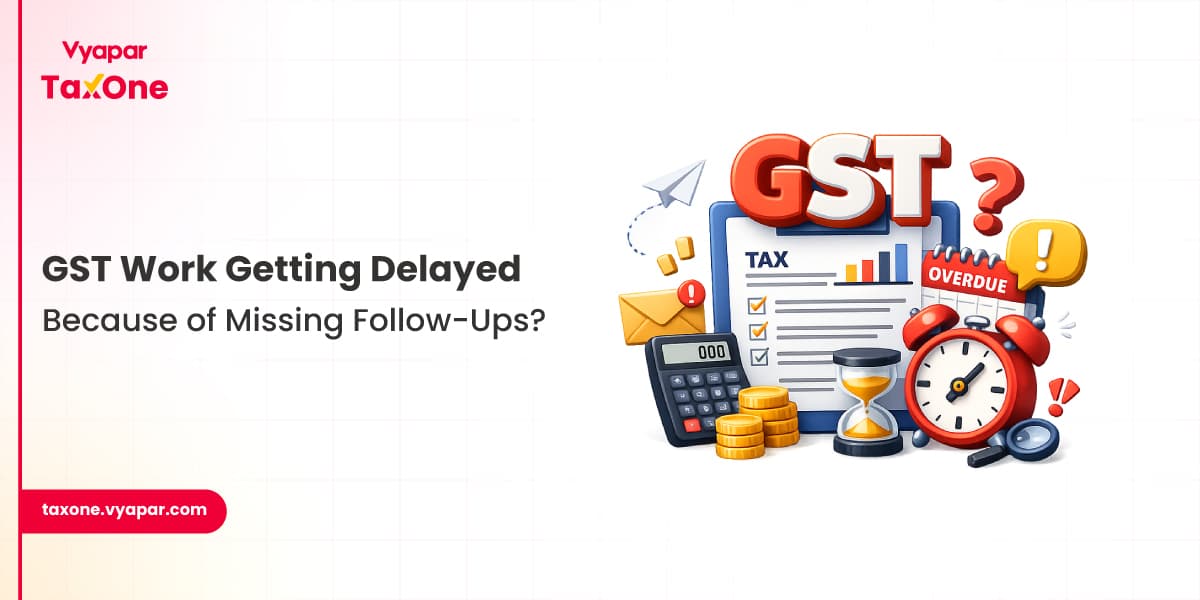
During GST filing cycles and month-end closing, most accounting teams are not stuck because work is complex.
They are stuck because work is scattered across people and tools.
One invoice is in WhatsApp.
Another is in email.
Reconciliation is in Excel.
And GST filing is being prepared in Tally.
We often see CA firms handling structured compliance work, but still struggling to answer one basic question: “Who is responsible for this task right now?”
And that’s where delays begin.
Not during filing.
Weeks before it.
In this blog, we’ll break down where accounting task tracking breaks in real workflows and what teams can do to fix it before it leads to missed GST deadlines, delayed reconciliations, or month-end closing issues.
Accounting task assignment software is not just a task list. It is a structured way to manage:
Instead of tracking work in multiple places, everything is tied to ownership, status, and dependency flow.
We regularly work with CA firms where GST, TDS, and bookkeeping teams operate in parallel, but without visibility into each other’s progress.
Most delays happen in predictable places:
We frequently see reconciliation delays caused not by missing data, but by missing visibility of where the task is stuck.
This becomes visible only when GSTR-2B is finally matched with purchase registers and mismatches suddenly appear.
The issue is not accounting knowledge.
It is workflow fragmentation.
Common causes:
We often see teams discovering issues only during reconciliation cycles when deadlines are already close.
In many cases, the calculation is correct, but the supporting data is not aligned.
When accounting tasks are managed manually, operational failures don’t show up immediately.
They appear during GST filing, reconciliation, or audit preparation.
Common problems include:
In many cases, the accounting work itself is correct. The breakdown happens after execution.
We often see this when teams move from Tally entries to GST reconciliation, and suddenly realise that the supporting data trail is incomplete.
This issue usually becomes visible when purchase registers are matched with GSTR-2B and mismatches start appearing without clear ownership of resolution.
The real problem is simple, nobody can see where the task is stuck.
And most teams discover this only when compliance deadlines are already close.
Accounting delays are not only caused by workload. They also come from how daily work is handled inside teams.
We often see teams treating Excel sheets as a complete tracking system, even though they don’t reflect real-time task ownership or status updates.
Reconciliation is usually handled as a month-end activity instead of being tracked continuously, which leads to last-minute mismatches during GSTR-2B comparison.
In many cases, GST mismatches are only discovered during GSTR-2B reconciliation instead of being tracked throughout the month, especially when purchase register matching is not done through a structured monthly GST reconciliation workflow inside accounting systems.
Review and execution tasks are also kept separate, so issues are identified only after work is marked complete.
Most follow-ups still depend on WhatsApp or email, which results in missed updates and delayed closure of pending work.
A CA firm was managing GSTR-1 filing, GSTR-3B reviews, purchase register reconciliation, TDS filings, bookkeeping reviews, and client document collection through Excel sheets.
Partners had no real-time visibility into task status.
Managers spent hours every week following up internally.
Several activities were completed on time.
Several were not.
The challenge wasn't accounting knowledge.
The challenge was task visibility.
After moving to a structured task management workflow, the firm could track ownership, deadlines, document status, and review stages from one dashboard.
The biggest improvement came from reducing internal follow-up effort.
A growing trading company handled accounting through Tally but managed supporting documents separately through email and shared folders.
Before month-end closing, the finance team spent significant time identifying missing invoices and pending approvals.
The accounting entries were already completed.
The supporting workflow was not.
In many cases, accounting entries are correct but supporting data is incomplete.
Once task assignments, document requests, and approval tracking were brought into one workflow, month-end preparation became significantly easier.
This is where we often see improvement when teams move toward real accounting automation adoption across CA practices.
One of the biggest causes of delays is unclear responsibility.
The software should clearly show:
The question "Who is handling this?" should never need to be asked.
We often see accountants spending more time requesting documents than performing accounting work.
The software should automatically send reminders for:
This reduces manual chasing significantly.
Missing documents are one of the biggest reasons accounting work gets delayed.
Look for software that allows teams to:
Accounting work rarely happens in one step.
For example:
The software should support this workflow structure rather than simple task lists.
When managers review work, they should be able to see:
This becomes especially useful during audits and compliance reviews.
The software should support activities around:
We often see firms struggling because task management and accounting operations exist in separate systems.
This is where structured workflows help reduce dependency on manual follow-ups, especially in GST reconciliation and task tracking processes inside CA firms.
| Activity | Manual Tracking | Structured Workflow |
|---|---|---|
| Task Assignment | Excel & WhatsApp | Centralized Dashboard |
| Client Follow-Ups | Manual Reminders | Automated Reminders |
| Deadline Tracking | Spreadsheet Based | Real-Time Monitoring |
| Document Collection | Multiple Sources | Centralized Repository |
| Review Process | Email Based | Workflow Driven |
| Audit Visibility | Limited | Complete Activity Trail |
Define recurring accounting and compliance tasks.
Allocate responsibilities to team members.
Track pending client submissions.
Perform bookkeeping, reconciliation, and compliance work.
Managers validate completed activities.
Track overdue, pending, and completed work.
Before selecting software, verify whether it provides:
When accounting work is reviewed or audited, managers and auditors focus less on whether entries exist and more on whether the supporting trail is complete and consistent.
They usually verify:
We often see issues arise not during preparation, but during verification when documentation trails are incomplete.
In many cases, the data exists in systems like Tally, but the reconciliation proof is not structured in a way auditors expect.
As client volume increases, manual tracking fails quietly.
Work does not stop.
Visibility does.
And when visibility breaks:
This is where structured workflows become necessary.
Vyapar TaxOne is designed to remove the exact gaps that slow down GST, reconciliation, and month-end workflows in CA firms.
Instead of tracking work as isolated tasks, it connects execution, documents, and review stages into a single live workflow so teams can see exactly where work is getting delayed.
In practice, this means:
Teams can explore how structured GST and reconciliation workflows operate in practice through Vyapar TaxOne.
This helps CA teams move from “finding what is pending” to “knowing exactly where and why it is pending” at any point in time.
In many cases, delays occur because responsibilities, document status, and deadlines are not clearly visible across the team.
Documents often arrive through multiple channels, making it difficult to track what has been received and what remains pending.
We frequently see delays caused by missing supporting documents, incomplete reconciliations, and manual follow-up processes rather than accounting calculations themselves.
Clear ownership reduces confusion, prevents duplicate work, and helps managers identify bottlenecks early.
Task ownership, automated reminders, document tracking, workflow approvals, audit trails, and deadline visibility are usually the most valuable features.


Tax Professional & Business Finance Expert
Tax Professional & Business Finance Expert
Tax Professional & Business Finance Expert