 Is Now Vyapar TaxOne | Same Trust, New Name!
 AI Weapon for Financial Soldiers
Chartered Accountant


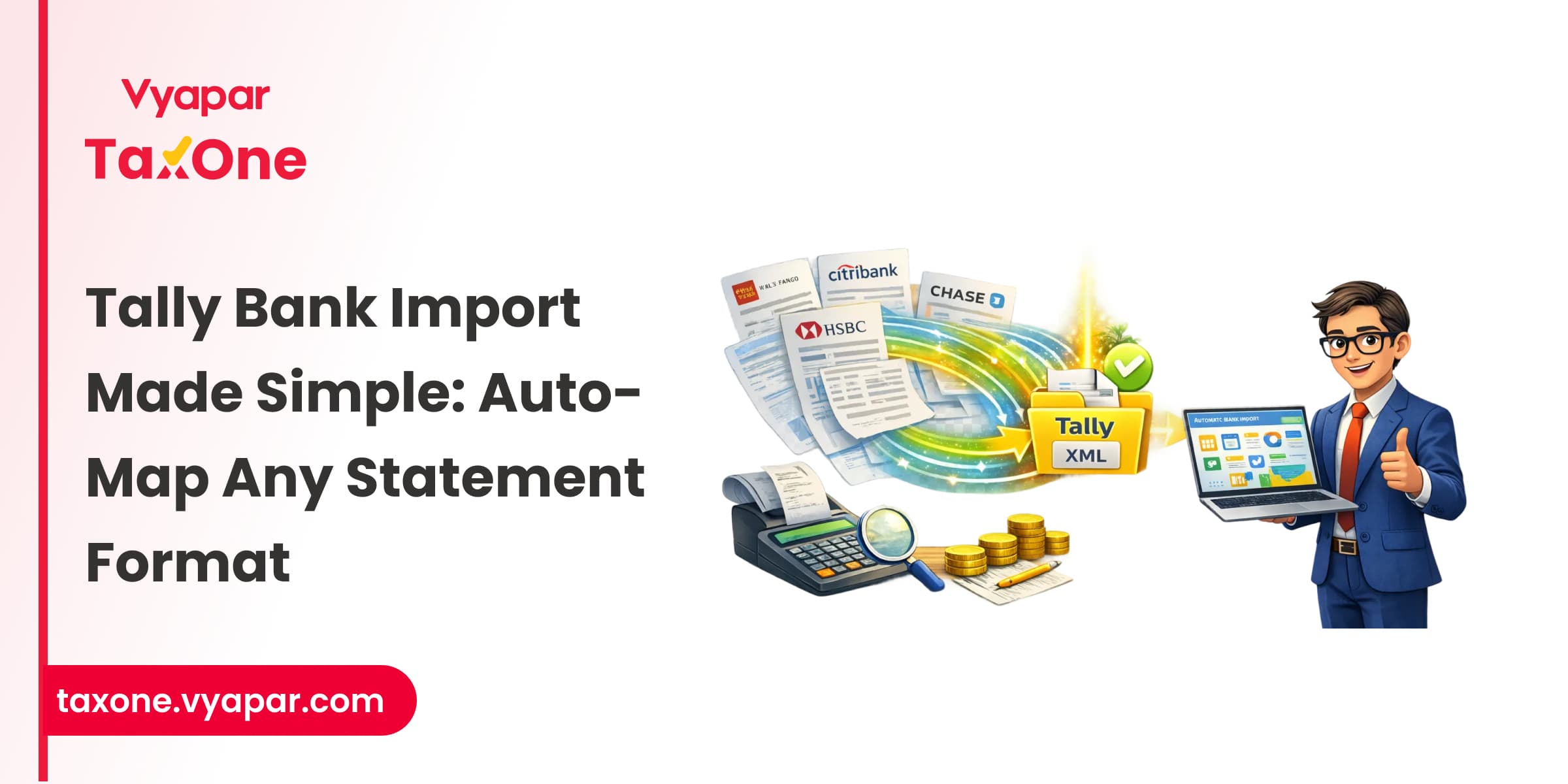
For chartered accountants juggling multiple client accounts, bank statement imports into Tally can be a time-consuming and error-prone task.
With so many banks issuing statements in different formats, such as PDFs, Excel files, manual entry or mapping these details to Tally vouchers can quickly become a bottleneck.
That’s where auto-mapping and innovative import tools come in, transforming hours of grunt work into just minutes.
This guide walks you through how to auto-map and import any bank statement format into Tally seamlessly, highlighting practical steps and everyday challenges, all while showcasing how effective platforms like Vyapar TaxOne optimize this process specifically for Indian CAs.
Bank statements contain important transaction data like dates, amounts, narration, and types, but formats vary widely. Manually mapping these to Tally’s voucher format is tedious and error-prone.
Auto-mapping, powered by AI, automatically aligns statement columns with Tally fields, eliminating manual work and enabling bulk processing, transforming how CA firms manage numerous client accounts efficiently.
Bank statements come in many flavors:
Different banks may rearrange columns or use varying labels, making a universal import unfeasible without smart parsing and mapping.
Common challenges include:
On the other hand, a sound auto-mapping system navigates these obstacles by using AI to detect column roles and validate data to prevent errors.
Ensure your bank statement is downloaded in a supported format (PDF, Excel). If you have scanned PDFs, tools like Vyapar TaxOne can handle better PDF parsing with AI.
Using Vyapar TaxOne’s Bulk Upload → Banking module, upload your bank file and select the relevant company and bank ledger where the transactions should be posted.
Vyapar TaxOne’s AI then:
Review the auto-mapped data in Vyapar TaxOne before exporting:
After confirming the mapping and validation, simply export the data directly into Tally.
As a platform built specifically for Indian CAs, Vyapar TaxOne excels by combining AI, automation, and compliance features:
PDF, Excel, and scanned PDFs.
No, Vyapar TaxOne doesn't directly support XML files. Instead, it lets you upload Excel or PDF files and automatically maps the data for direct import into Tally, avoiding manually converting Excel to XML.
AI-driven auto-mapping is highly accurate and customizable; manual tweaks are easy when needed.
Yes, batch uploads and merging multiple bank formats are supported, especially with tools like Vyapar TaxOne.
Absolutely. Vyapar TaxOne ensures seamless export compatibility with both Tally versions.
Platforms like Vyapar TaxOne adhere to rigorous data security and compliance standards to safeguard sensitive financial information.
Auto-mapping and importing bank statements into Tally no longer have to be daunting or time-consuming for chartered accountants.
By leveraging AI-powered tools like Vyapar TaxOne, you automate complex data mapping, reduce errors, and free up time for higher-value tasks. Start embracing automation today and transform your bank reconciliations into a smooth, reliable process, making your CA practice more efficient and future-ready.
Ready to simplify your bank imports? Platforms like Vyapar TaxOne are just a click away from changing the way you work. Try Vyapar TaxOne for free for a week!
Also Read- How to Automate Bulk Bank Statement Import in Tally


Tax Professional & Business Finance Expert

Tax Professional & Business Finance Expert

Tax Professional & Business Finance Expert