
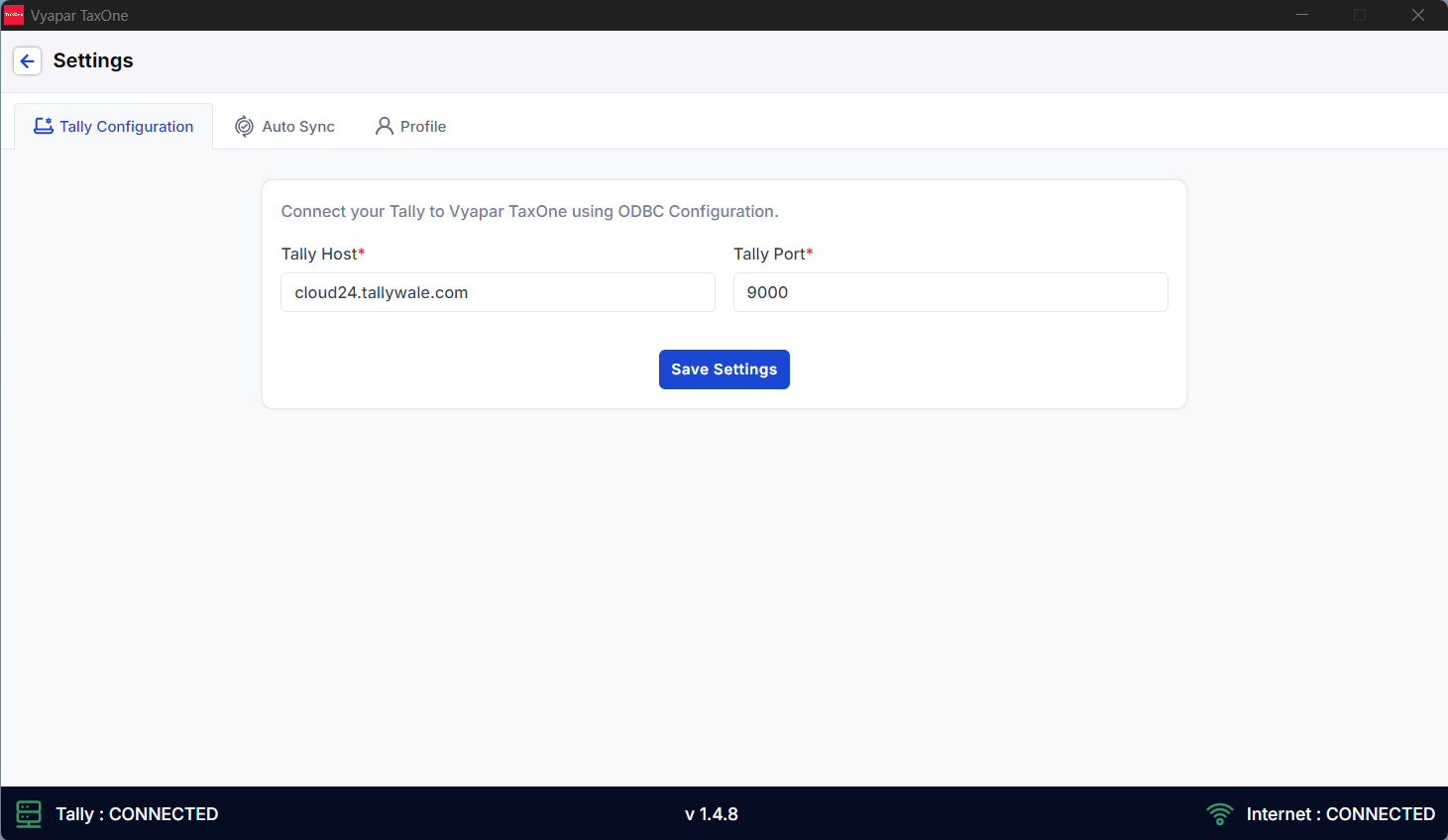
As you are using Tally on cloud, which makes your accounting easy from anywhere similarly, it's straightforward to configure with Vyapar TaxOne.
Open your Tally cloud ->
Tally cloud works in 2 ways: RDP-based & Web-based:
IMAGE PENDING
On the above image, your Tally cloud URL is cloud24.tallywale.com.
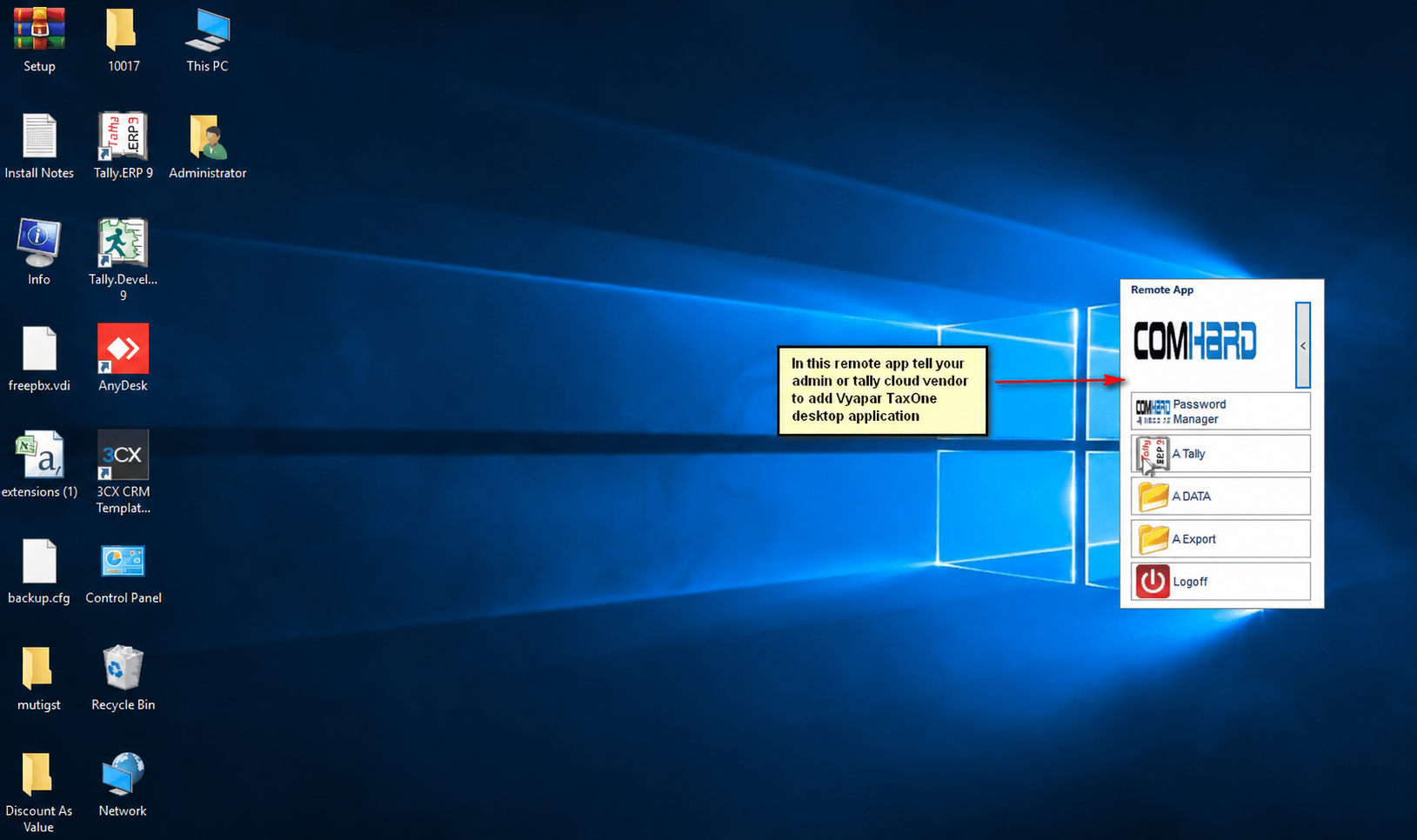
Once you are logged into the cloud, on the right-hand side of the screen, there is a remote app window. Ask your admin or Tally cloud vendor to add the Vyapar TaxOne desktop application to the remote app.
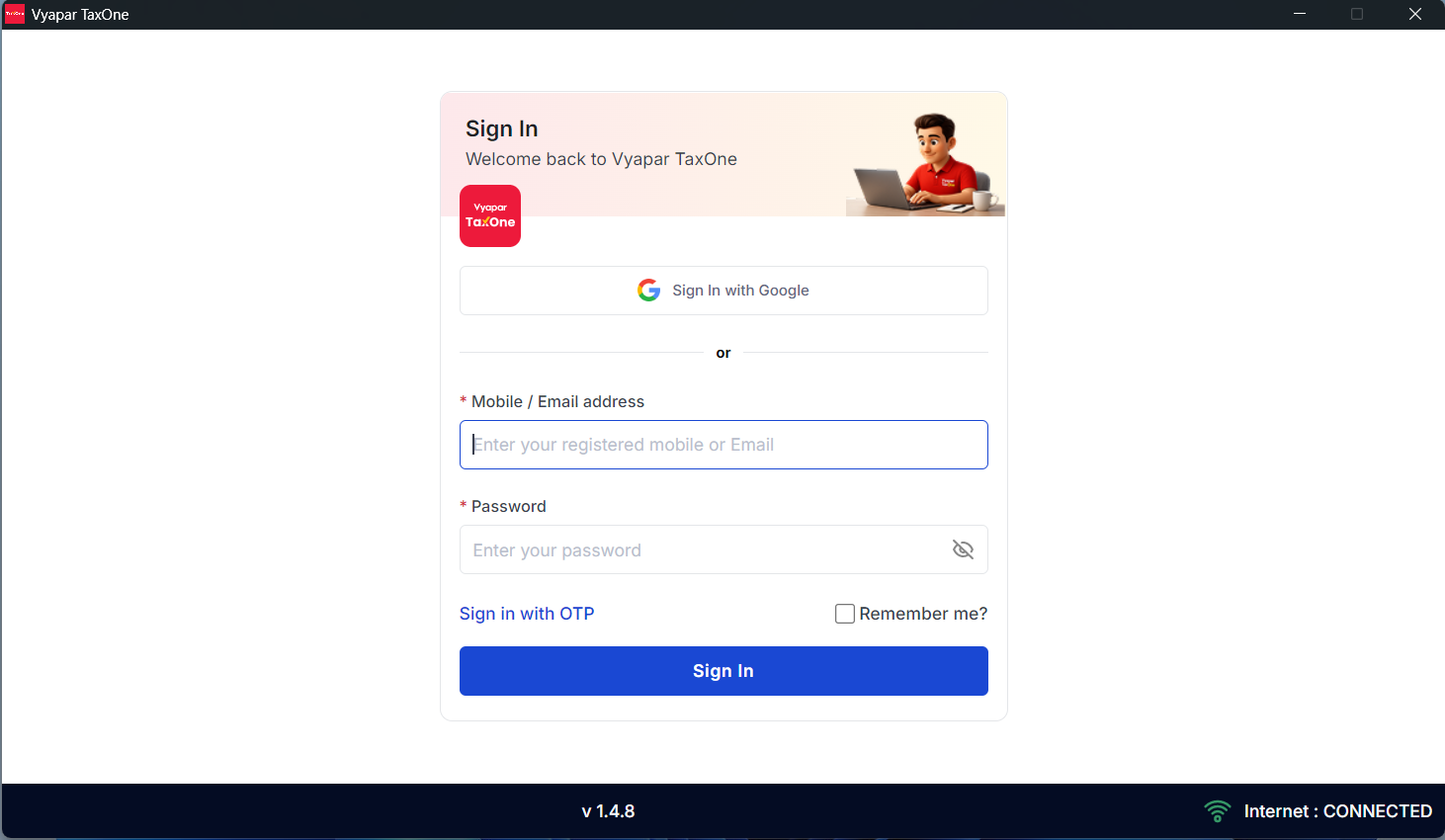
Once the Vyapar TaxOne desktop application is added, open the Vyapar TaxOne desktop application and sign in with your Vyapar TaxOne ID and password.
AI Weapon for Financial Soldiers