Create your Vyapar TaxOne account
Learn how to create your Vyapar TaxOne account. Every Vyapar TaxOne user requires to have a username & password to process the data in Tally from Vyapar TaxOne.
Steps to Create Your Vyapar TaxOne Account
Step 1: Visit Vyapar TaxOne's Sign-Up Page
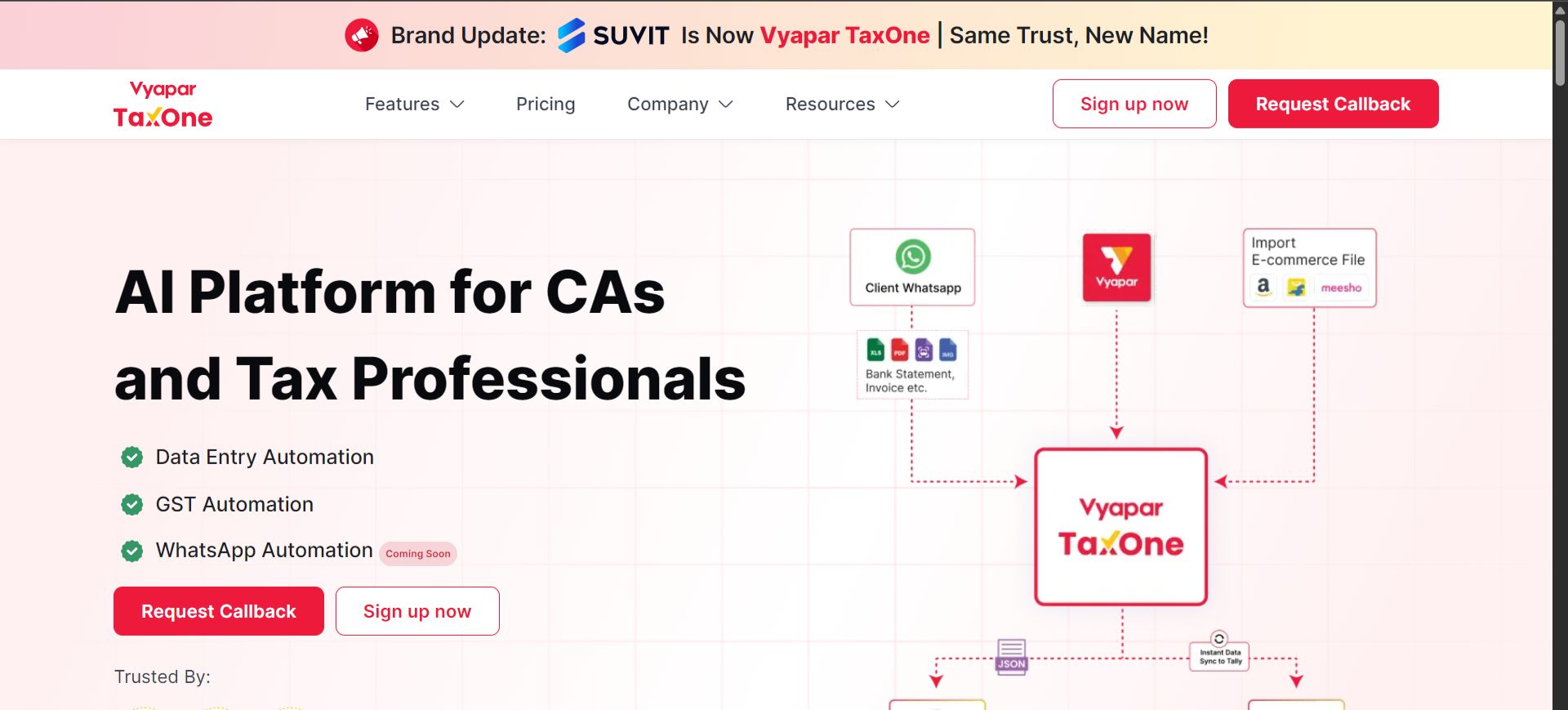
Step 2: Enter Your Mobile Number
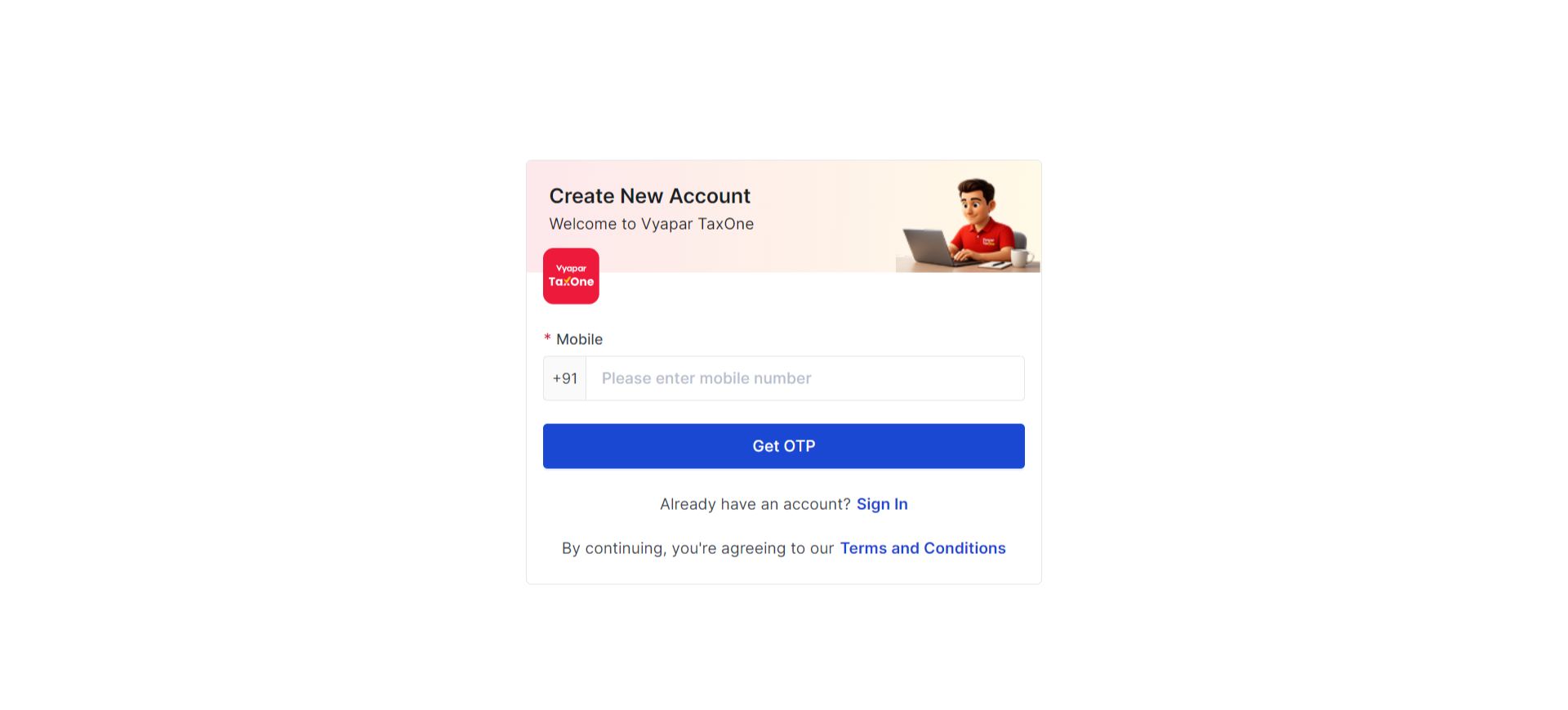
- Enter your mobile number.
- Click on GET OTP.(You will receive OTP on your number)
Step 3: Provide Your Personal Details
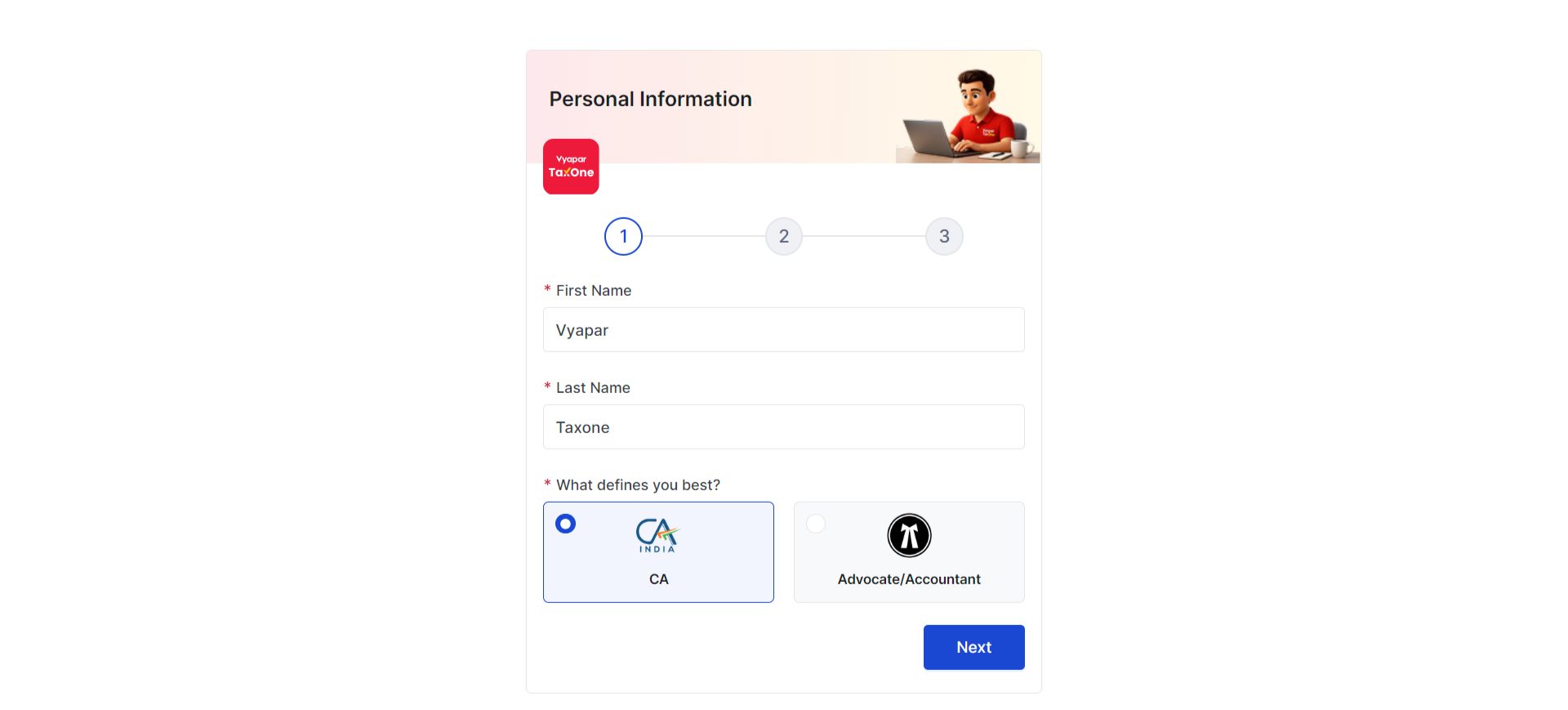
- Fill in your name and profession.
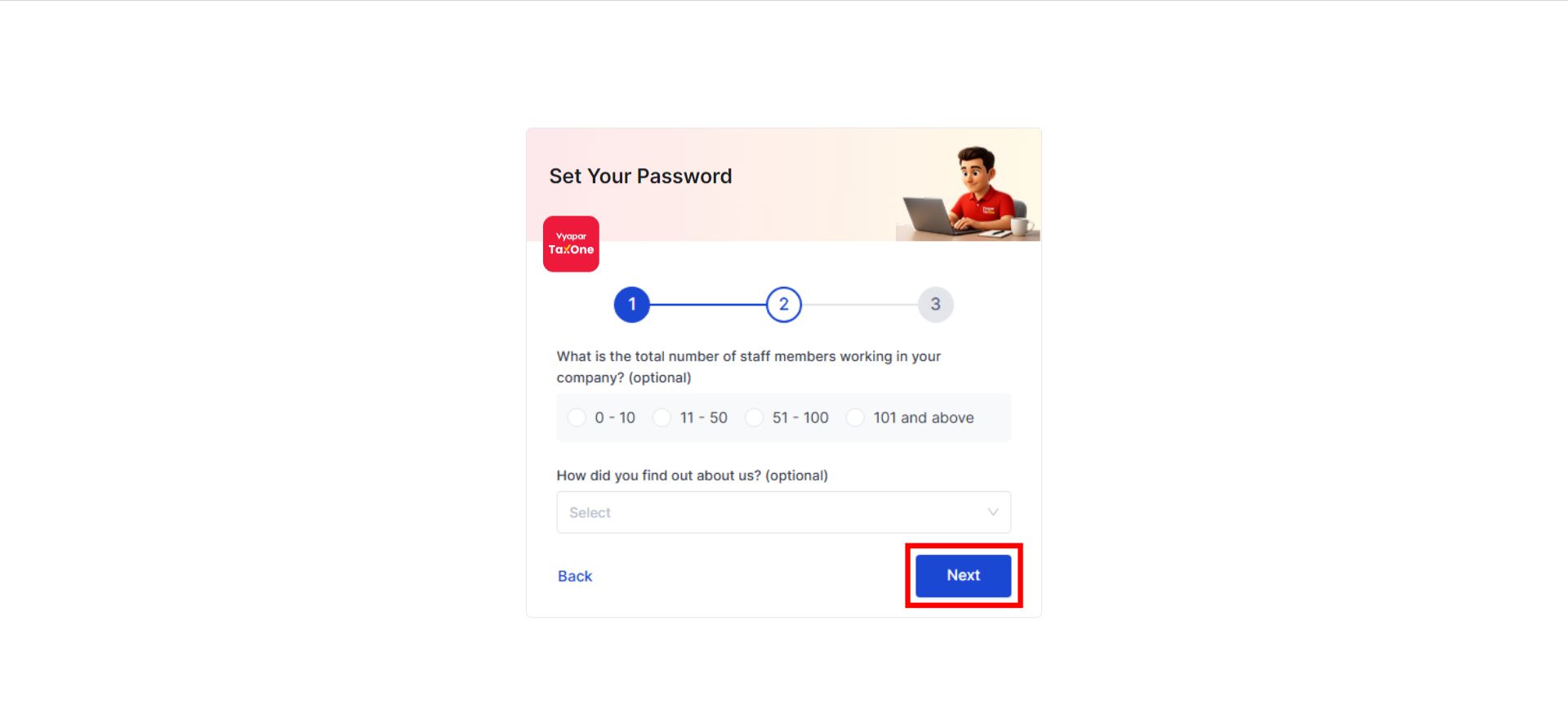
- Enter details about the number of staff in your office.
Step 5: Enter Your Email ID and Password
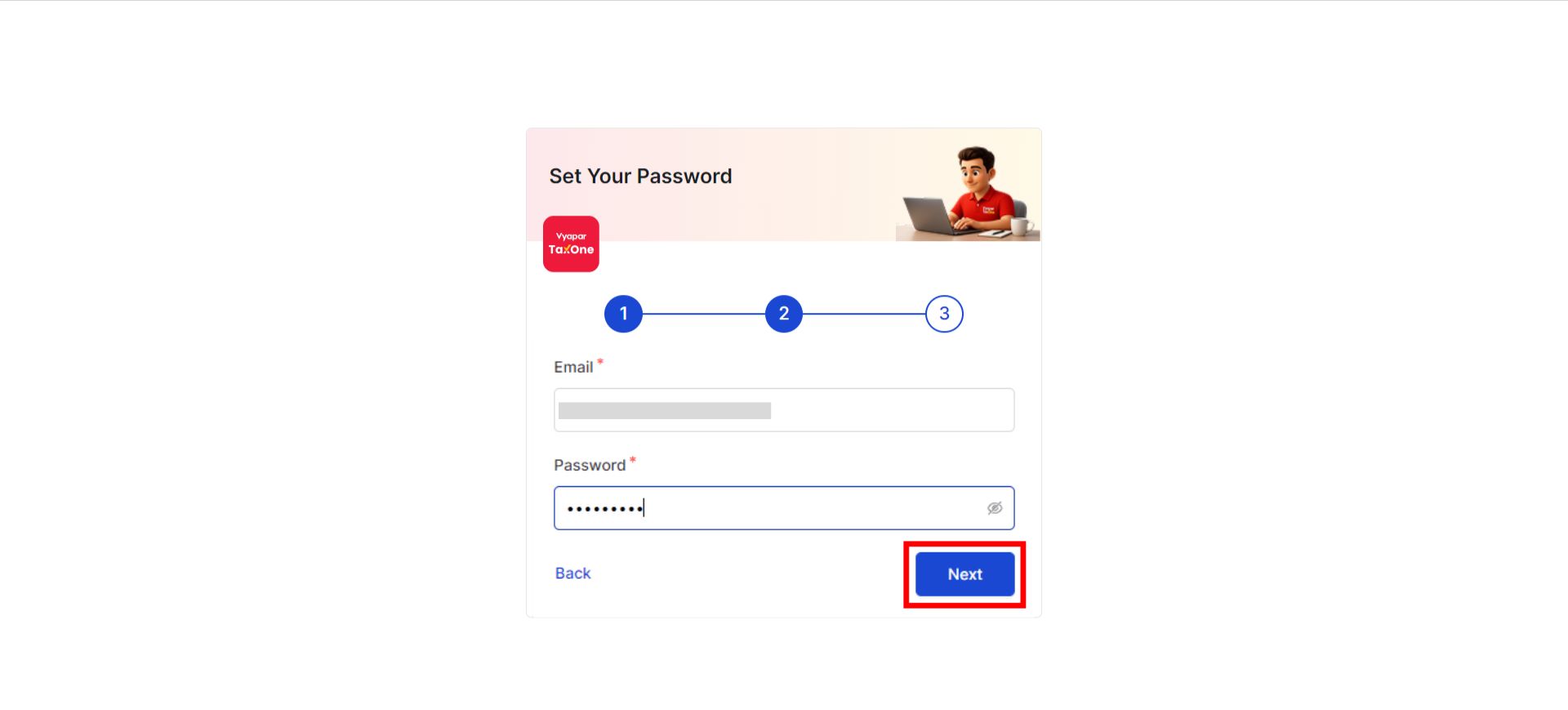
- Enter your E-Mail ID.
- Set your Password. (Minimum 8 Characters)
Note: Your email ID cannot be changed later. Ensure you enter a valid one.
Password and Login Rules
- If you forget your password or enter an incorrect password four times consecutively, your account will be temporarily locked.
- Attempting to send/resend OTP four times consecutively will block you from resetting your password for 24 hours.
- For assistance, contact Vyapar TaxOne Support at +919558261955. A deactivated user ID does not impact your Vyapar TaxOne account or data.
Step 6: Verify and Update Your Profile
- Verify and update your profile. Click here to learn more about the verification process.
