Application update - How to solve entry point not found issue
Facing issues while running the .exe file? Follow the steps in this guide to troubleshoot and ensure the Vyapar TaxOne application runs smoothly on your system.
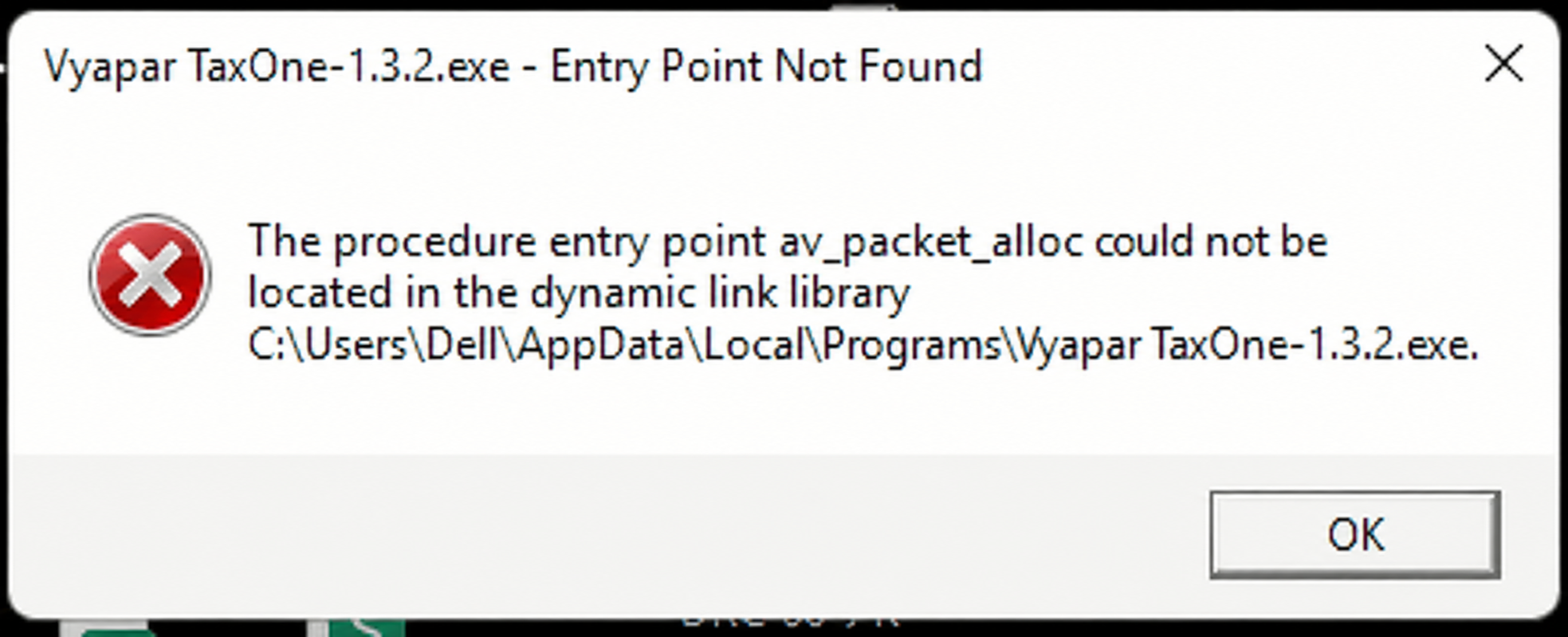
Entry point not found issue
This Error occur due application update was not properly
follow the steps below:
Steps to Resolve:
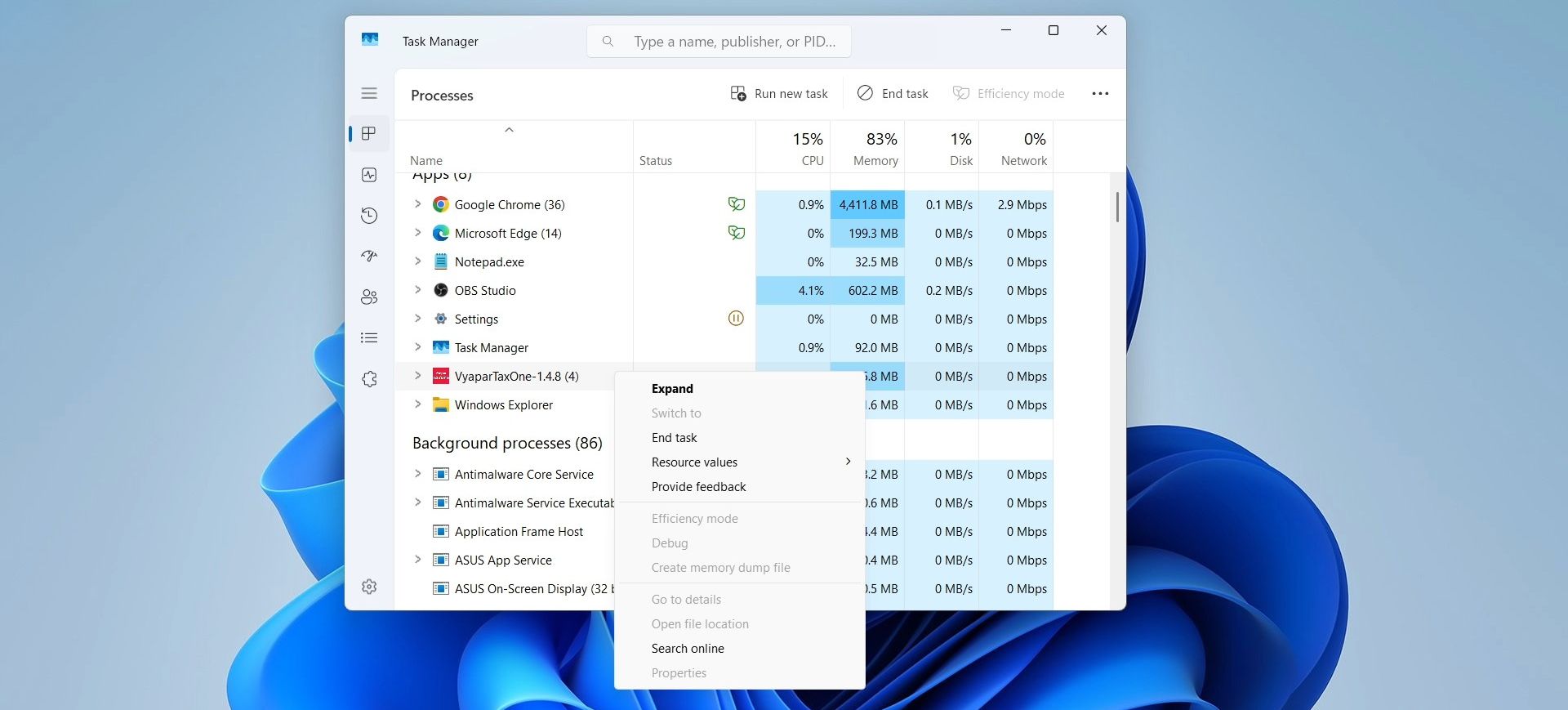
Step 1. Close the Vyapar TaxOne Process in Task Manager
Open Task Manager by pressing Ctrl + Shift + Esc.
Locate and select the Vyapar TaxOne process.
Click on End Task to close it.
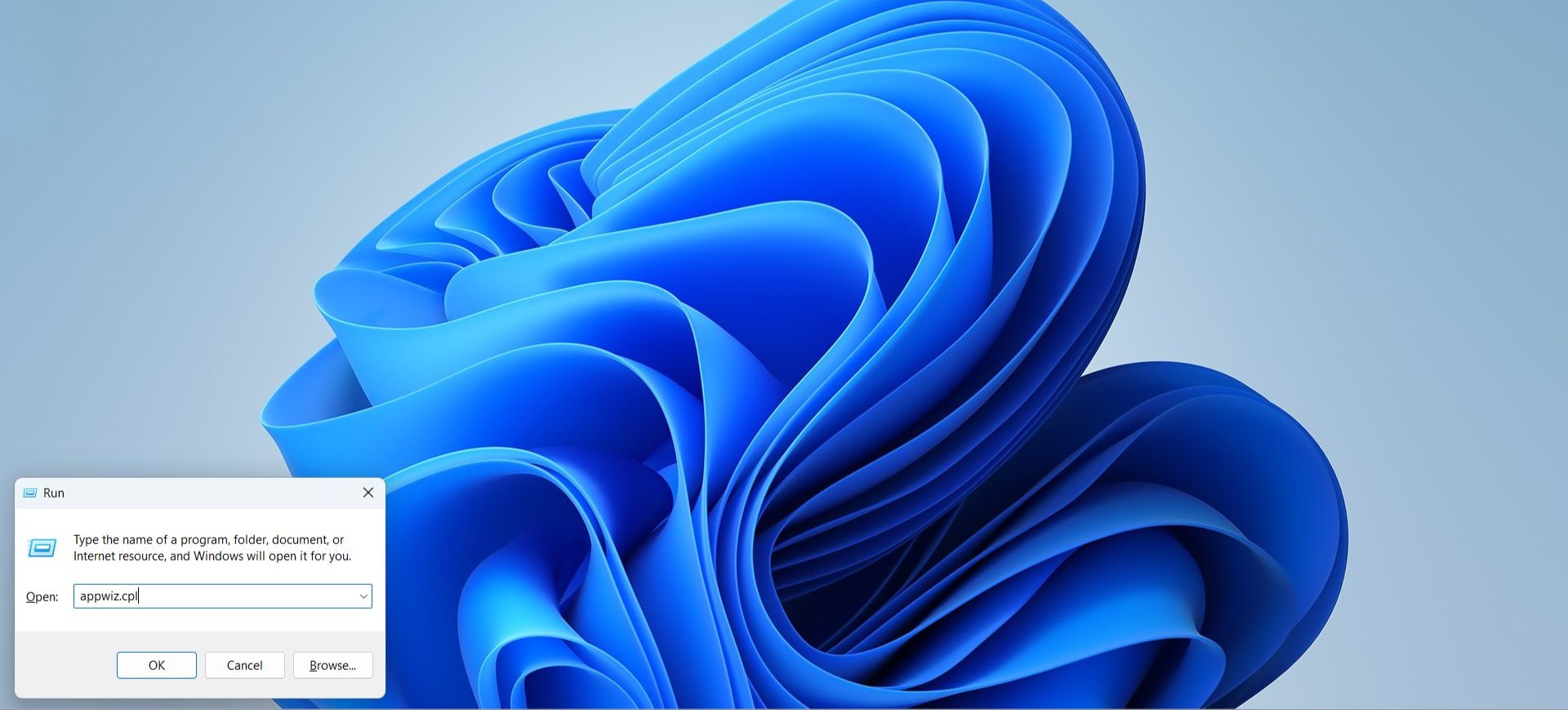
Step 2. Uninstall the Vyapar TaxOne Application
Open the Run dialog by pressing Windows Key + R, type appwiz.cpl, and press Enter.
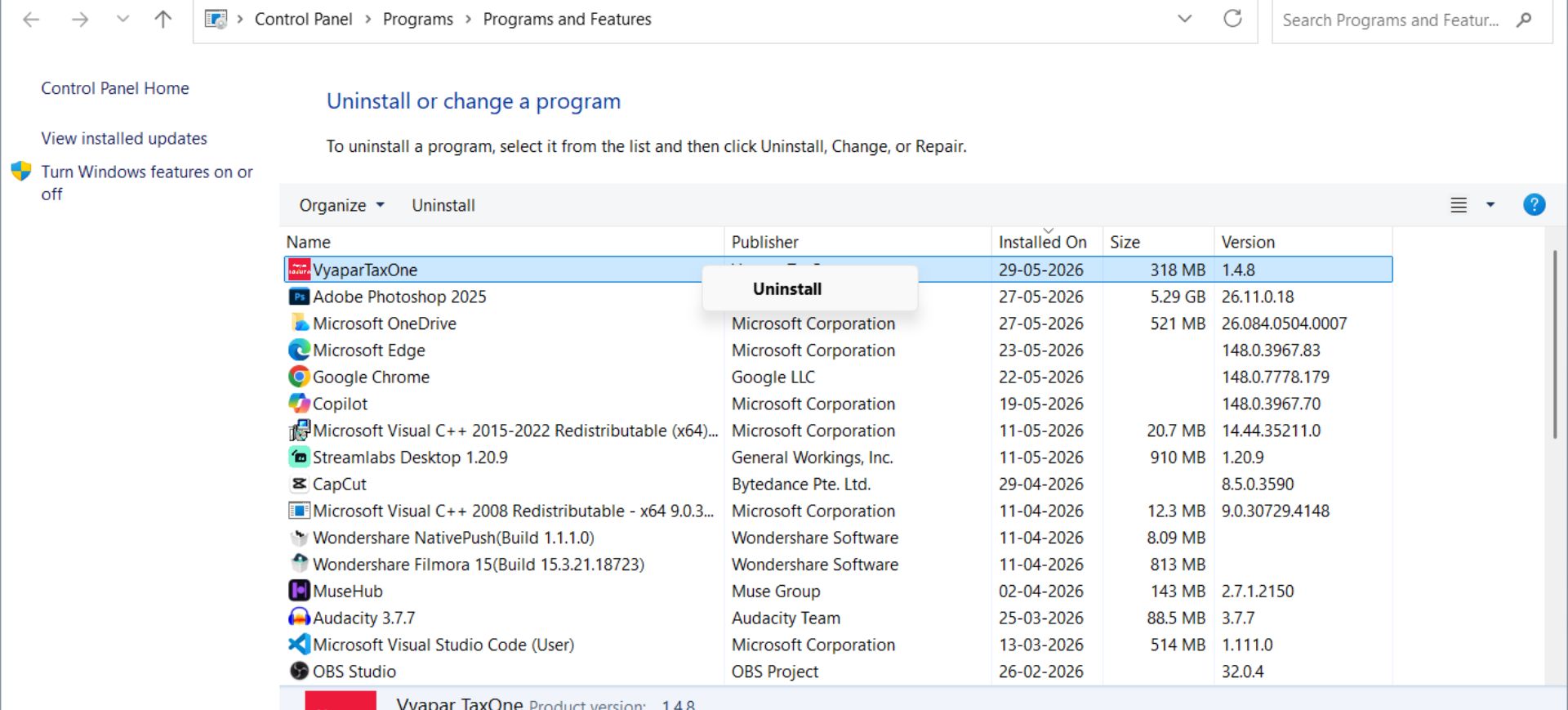
In the Programs and Features window, locate Vyapar TaxOne in the list of installed programs.
Select it and click on Uninstall to remove it from your system.
Step 3. Delete Vyapar TaxOne-Related Folders
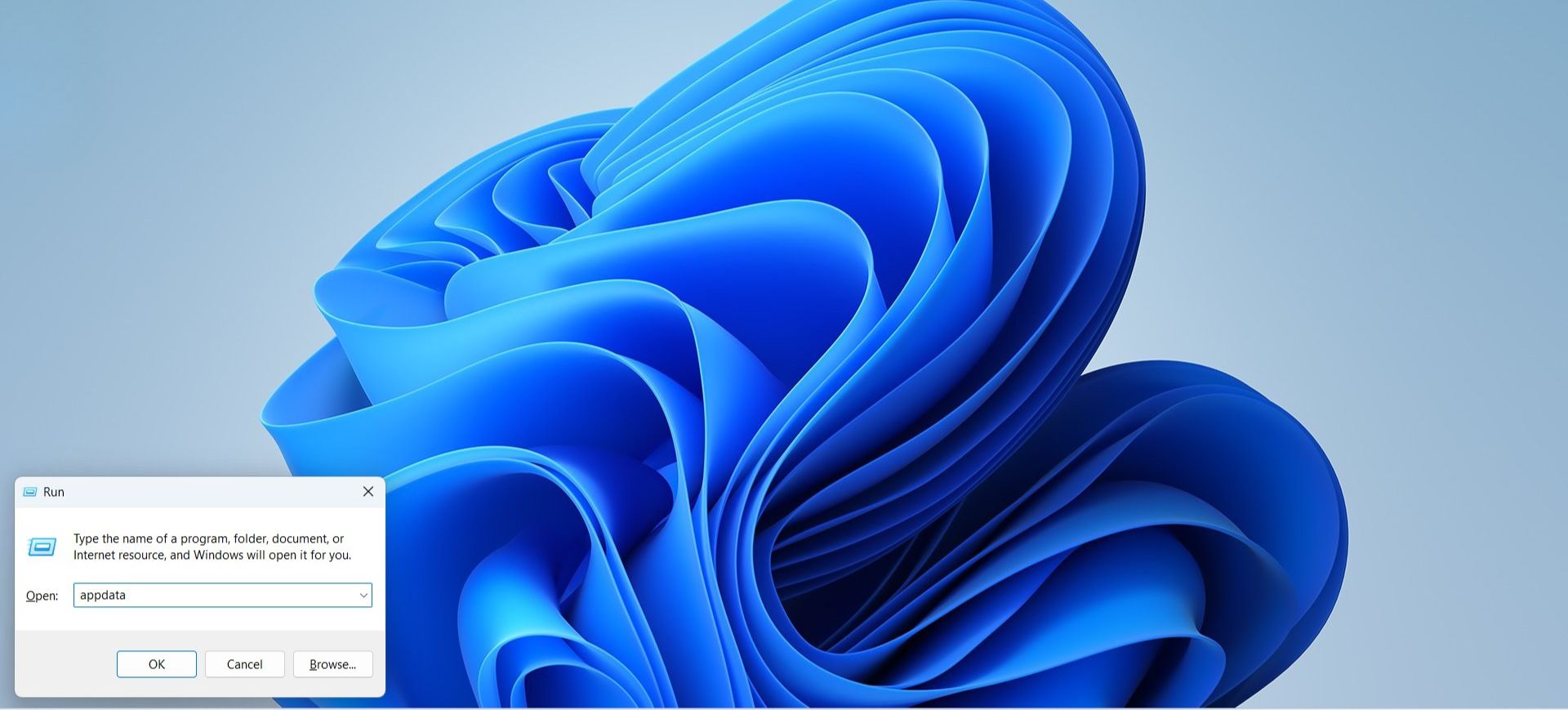
Open the Run dialog again by pressing Windows Key + R, type appdata, and press Enter.
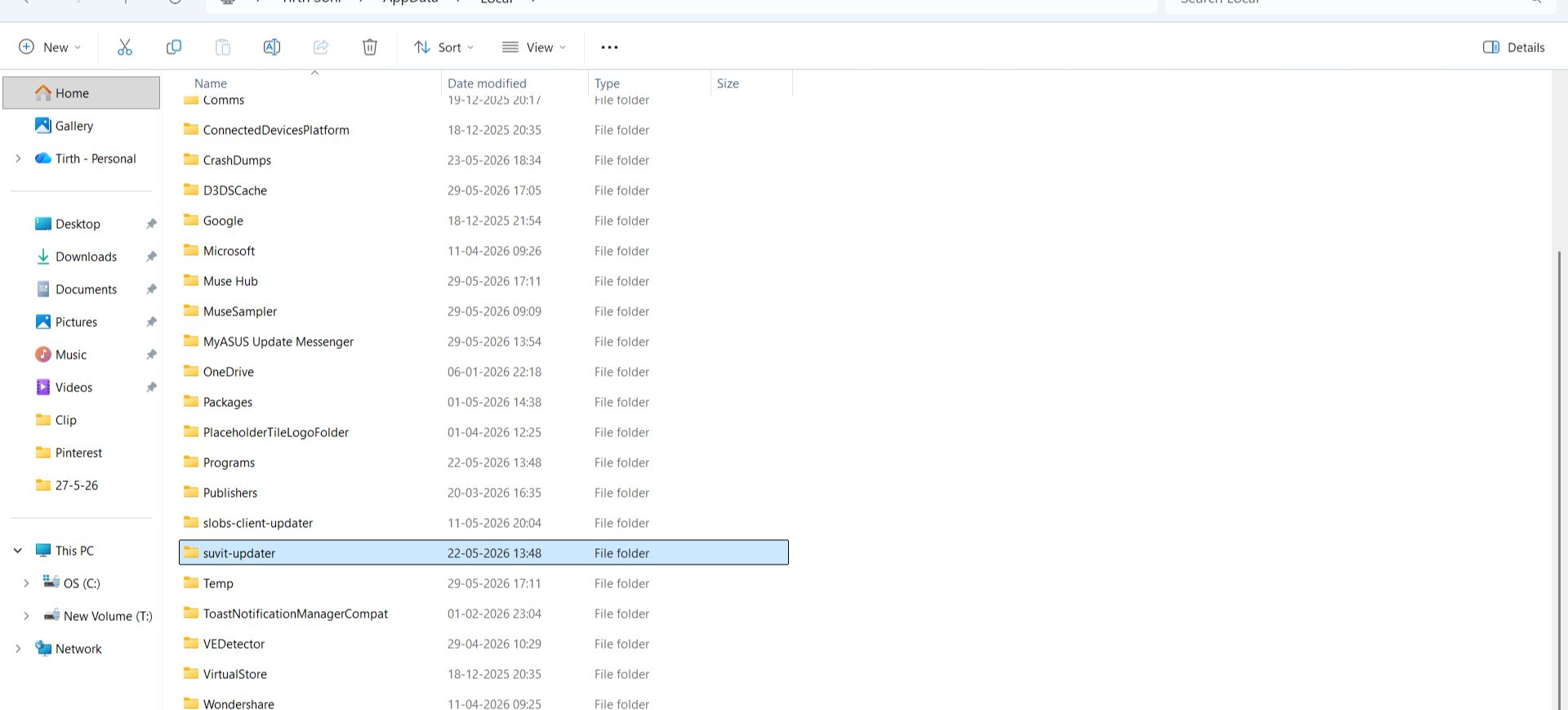
In the Local folder that opens, search for any Vyapar TaxOne-related folders and delete them.
Step 4. Reinstall the Vyapar TaxOne Application
Once all Vyapar TaxOne-related folders are removed, reinstall the program. How to download application Learn more