Tally port configuration is key for Vyapar TaxOne-Tally connectivity. This article guides you through the steps to change port settings for a successful setup.
Step 1: Access Vyapar TaxOne Desktop
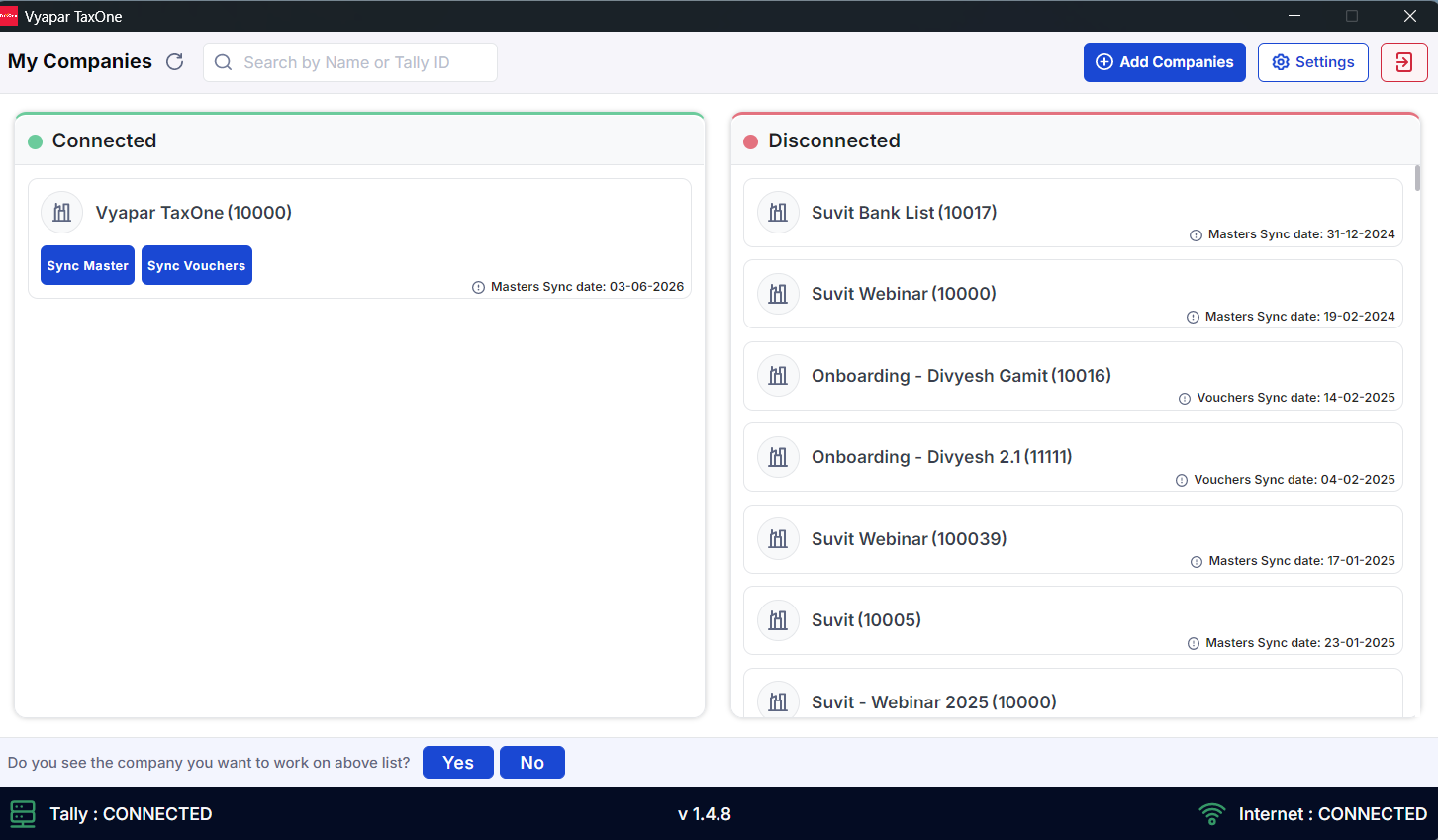
Open the Vyapar TaxOne Desktop application and log in.
Step 2: Go to Settings
Navigate to Settings within the Vyapar TaxOne Desktop application.
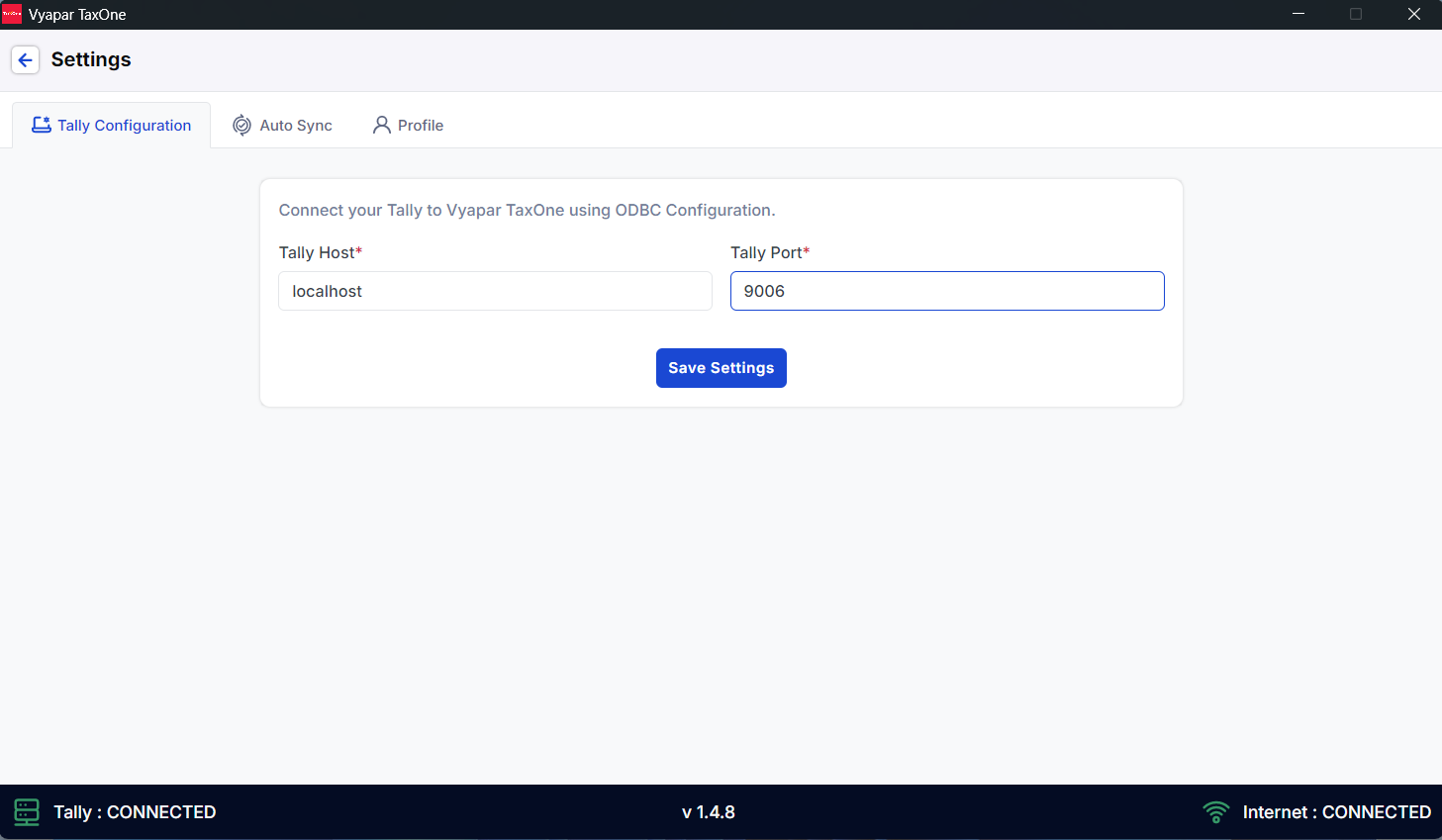
Step 3: Configure Tally Settings
Set the Tally Host to localhost.
Ensure the Tally port is the same as the port configured in Tally. You can click here
to check or change the Tally port.
Step 4: Save Settings
Once the settings are configured, click on Save Settings to apply the changes.