Send accurate data to accounting software: Excel, PDF supported.
Map multiple GST data, automate reconciliations, and identify errors.
Automate reminders, organise documents and track every conversation.
Want to know the Spirit of Vyapar TaxOne? Tap here
Join us in making a significant impact on the lives of Tax Professionals!
Got questions? Reach out to us!
Level up your financial knowledge with our informative blogs.
Make smarter financial decisions with our easy-to-use calculators.
Unlock expert accounting & auditing strategies with our webinars.
Explore How-To's and Learn Best Practices from our Knowledge Base.
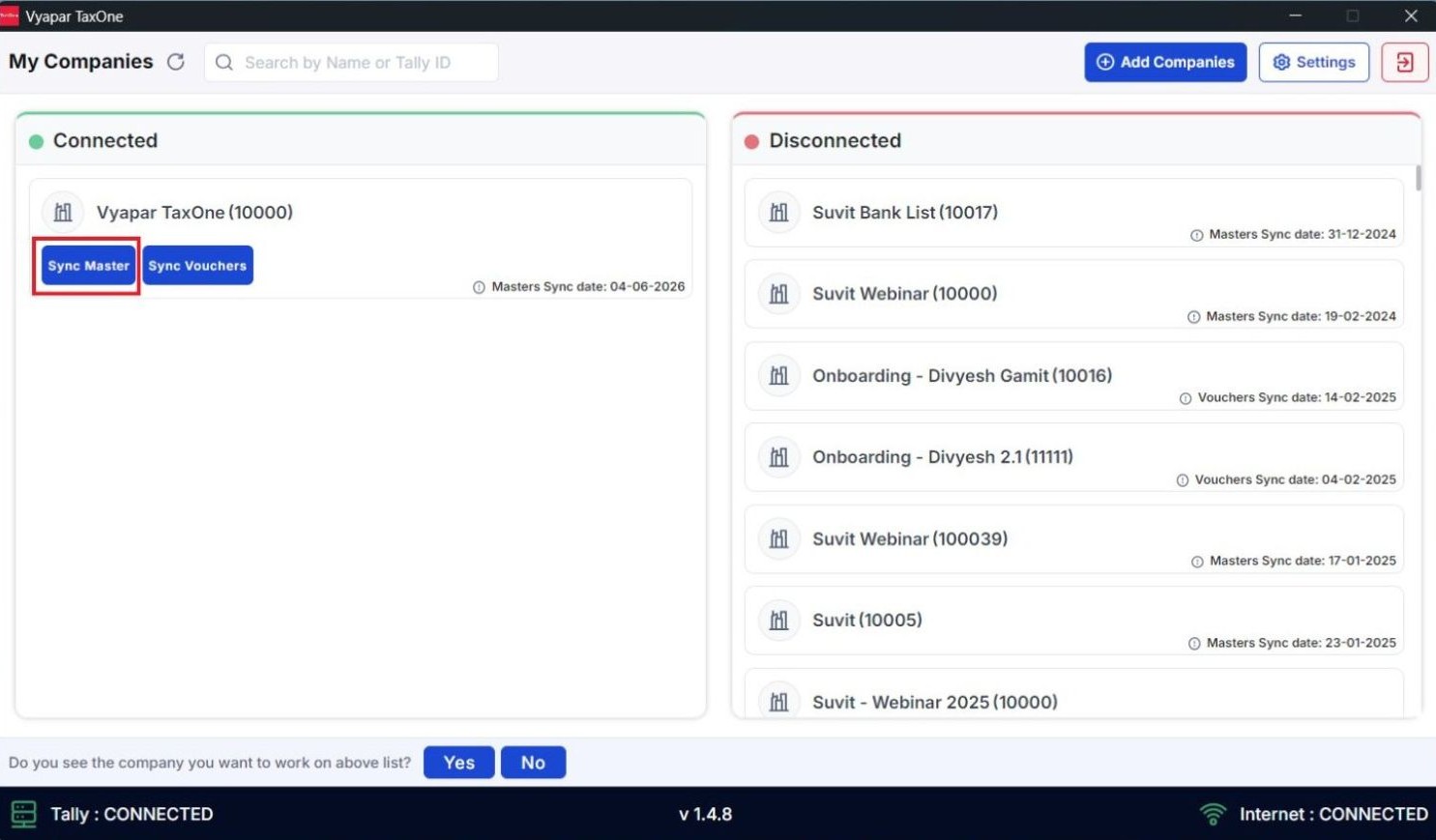
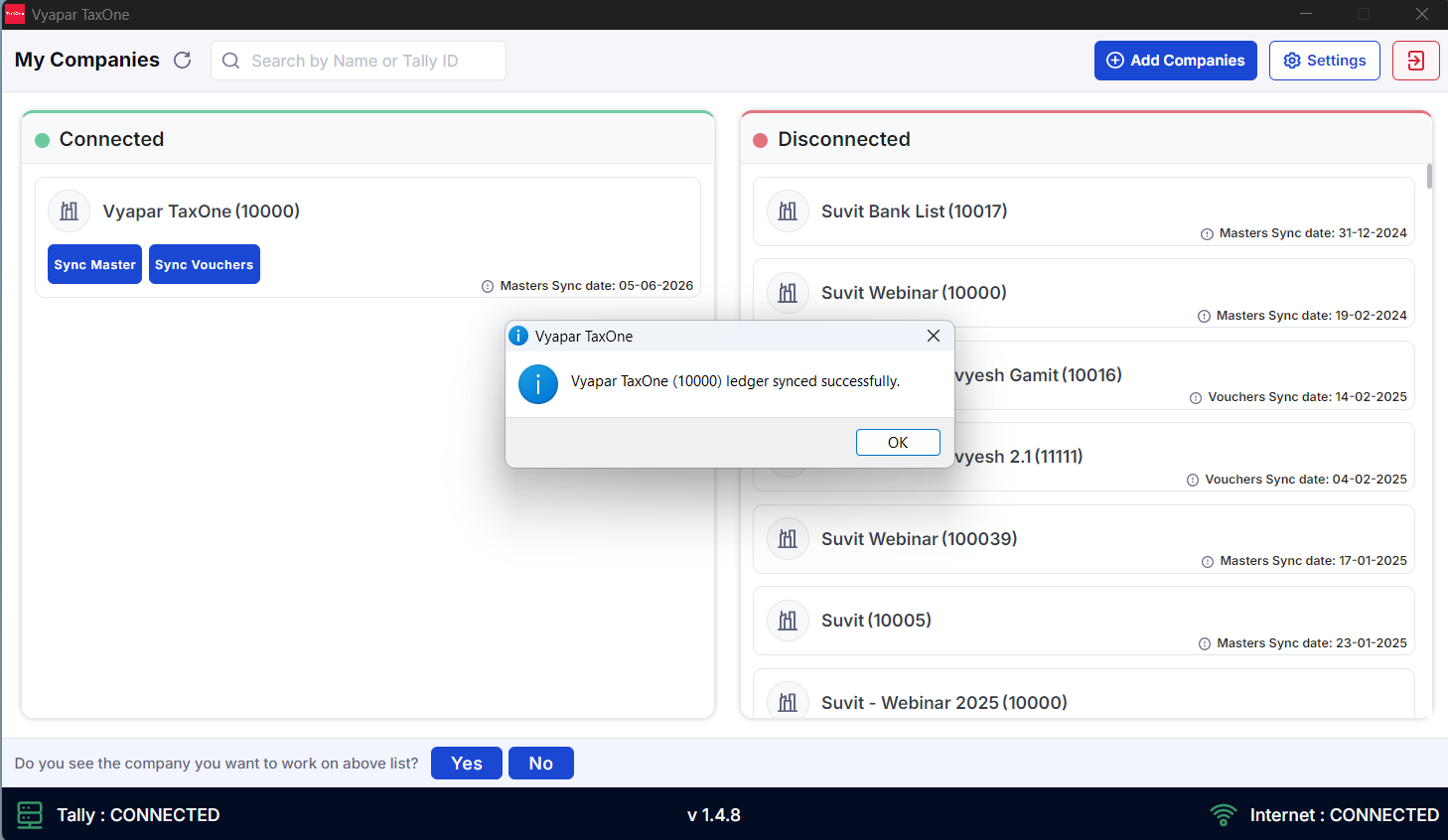
Sync Ledger keeps your Tally party names updated in Vyapar TaxOne, ensuring accurate and consistent ledger data for smooth integration and error-free transactions.