
Facing an error in the Vyapar TaxOne Desktop App? It may be a Tally connectivity issue. Change the Tally port, then restart both Tally and the Vyapar TaxOne application.
If you are facing an error: 'No Companies Subscribed" even when your company is open in your Tally and your Vyapar TaxOne Desktop Application is also open but it's reflecting "No Companies Subscribed" so in that case you have to follow the below steps.
1. Logout the Vyapar TaxOne Desktop Application from "Profile"
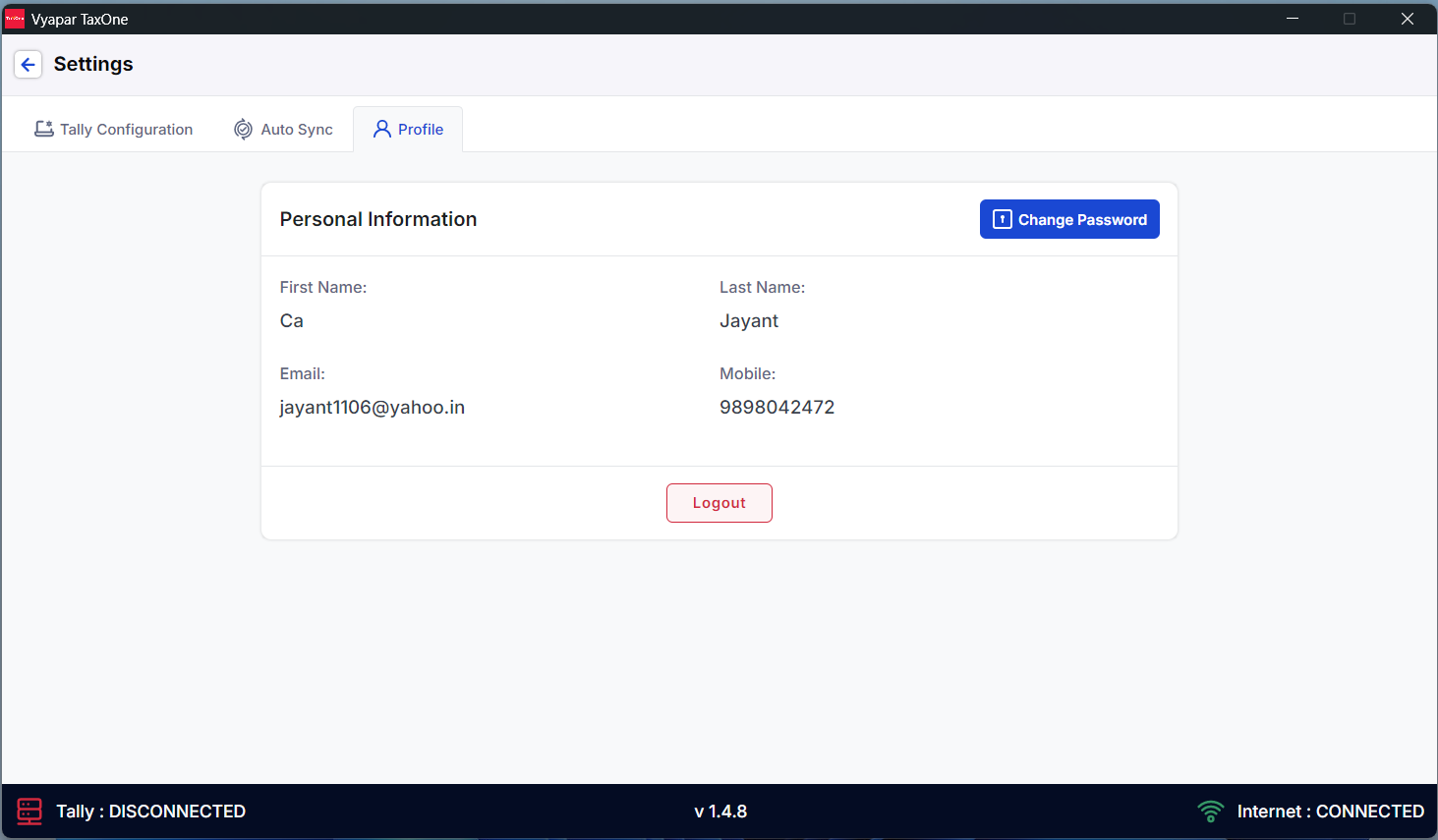
2. Quit the Vyapar TaxOne Desktop Application from "Task Manager".
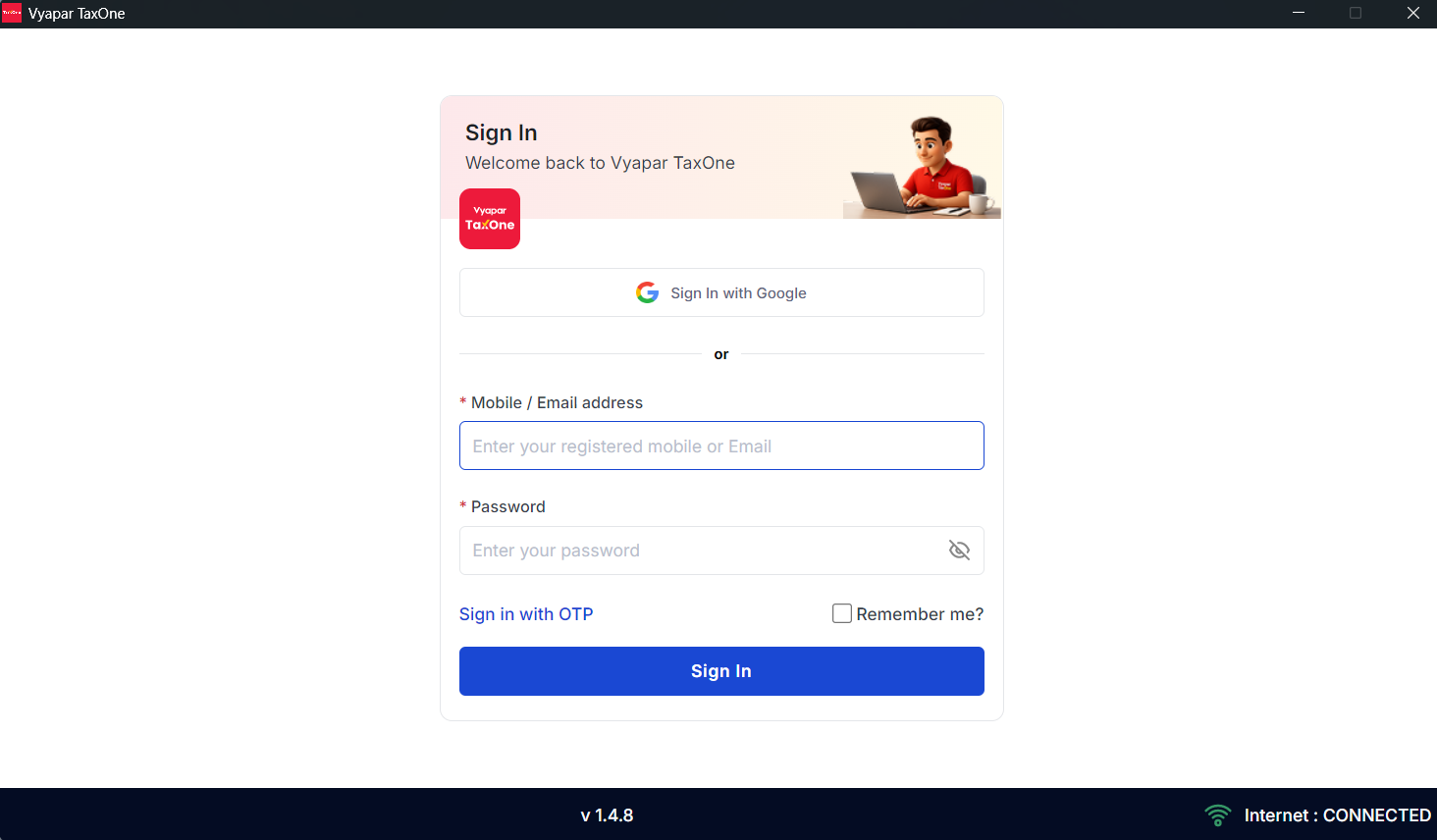
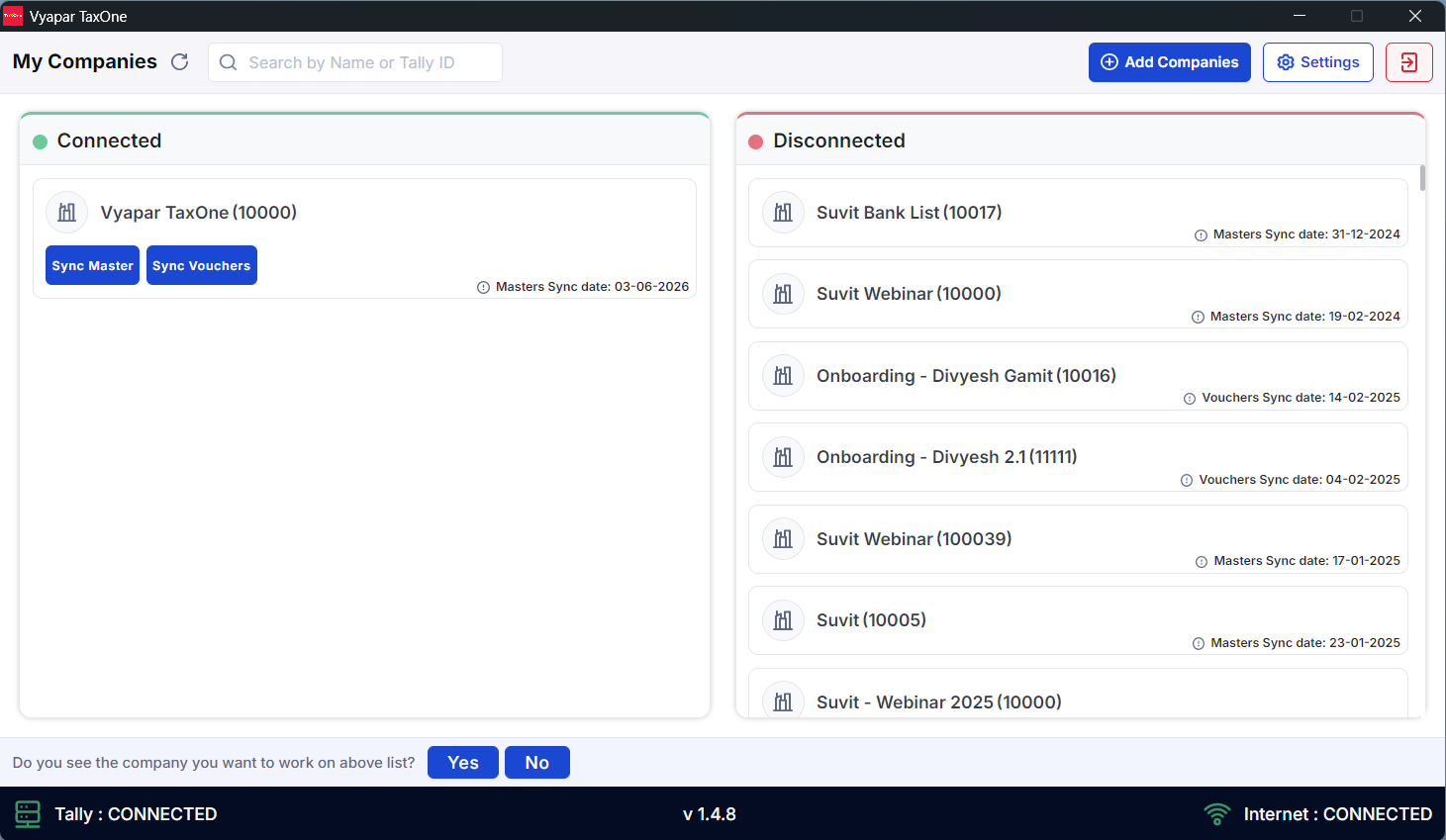
3. Reopen the Vyapar TaxOne Desktop Application and login again and click on "Refresh" in the Application.
AI Weapon for Financial Soldiers