Not able to Connect to Tally/Something went Wrong
Facing "Not able to connect to Tally" or "Something went wrong"? Learn how to fix Vyapar TaxOne-Tally connectivity issues with step-by-step guidance in this article.
Not able to Connect to Tally/Something went Wrong
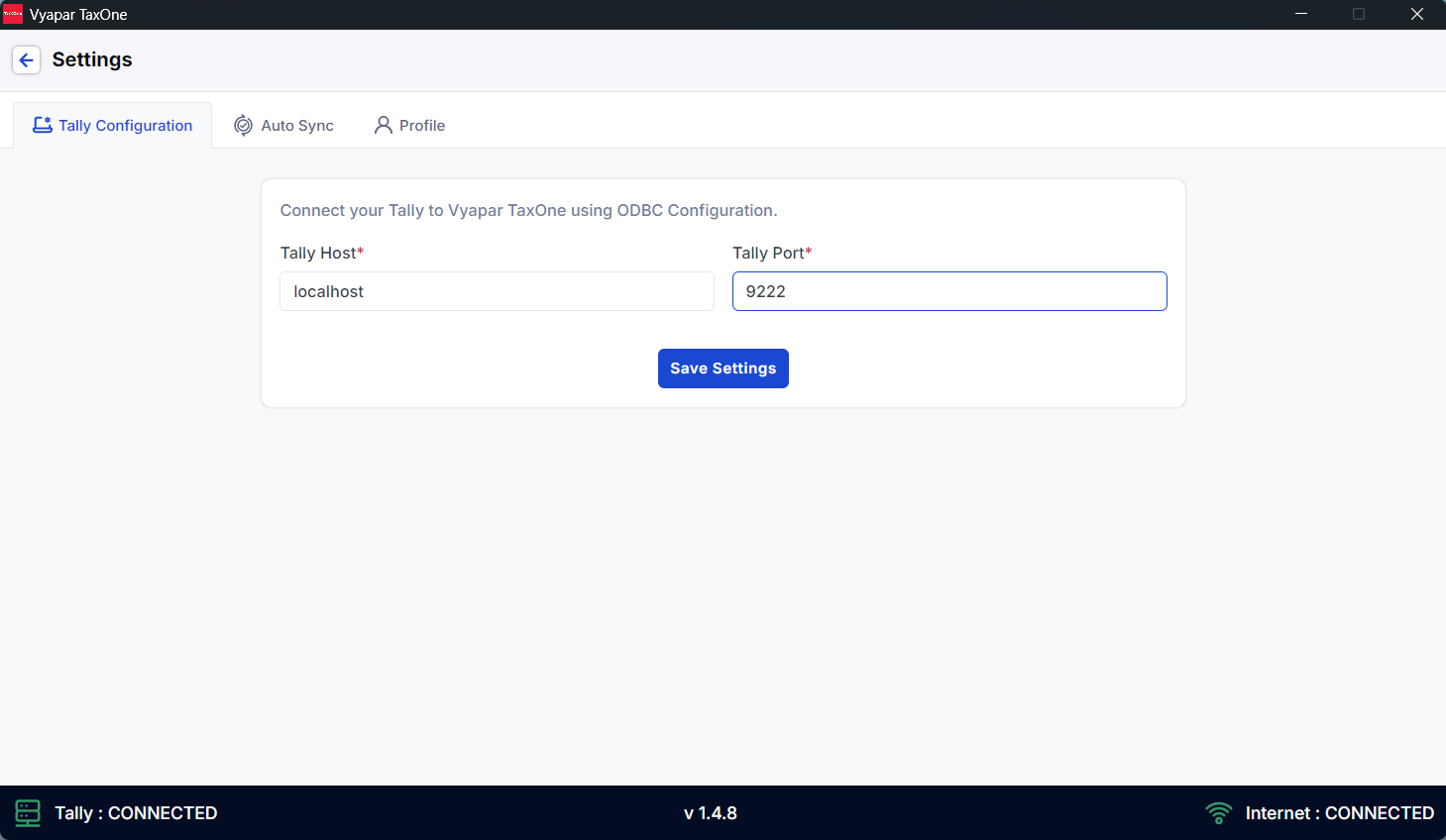
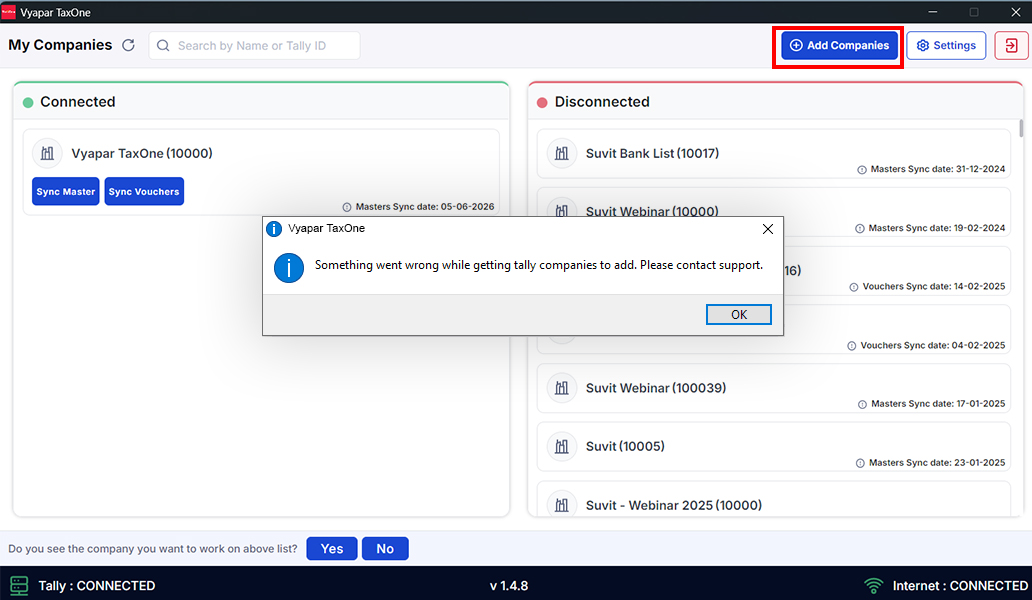
If you face the error shown in the image below when your Tally is open and your Vyapar TaxOne Desktop Application reflects "Not able to Connect to Tally" or "Something went Wrong," follow the steps below:
Step 1
- Quit the Vyapar TaxOne Desktop Application from "Task Manager."
Step 2
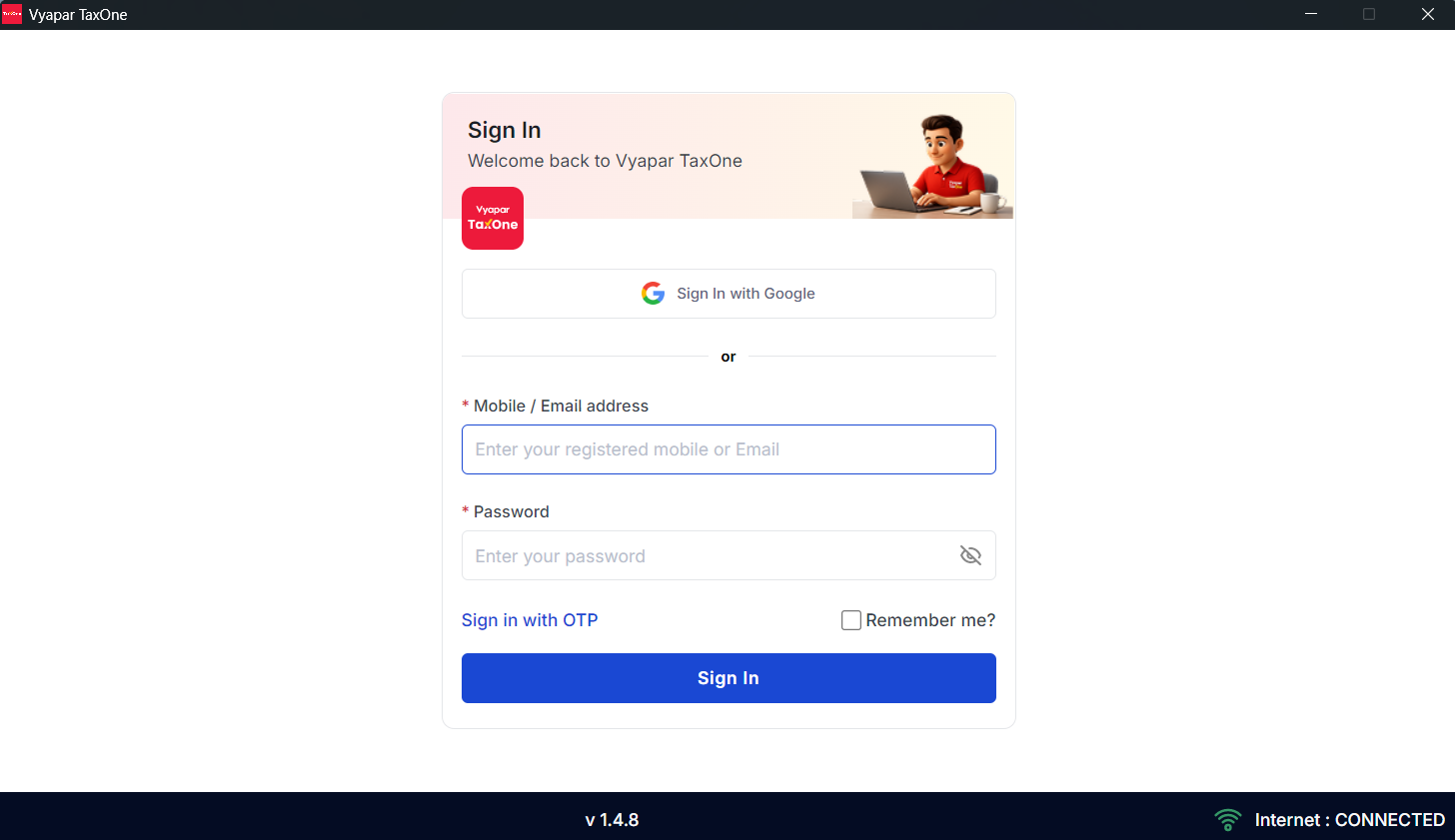
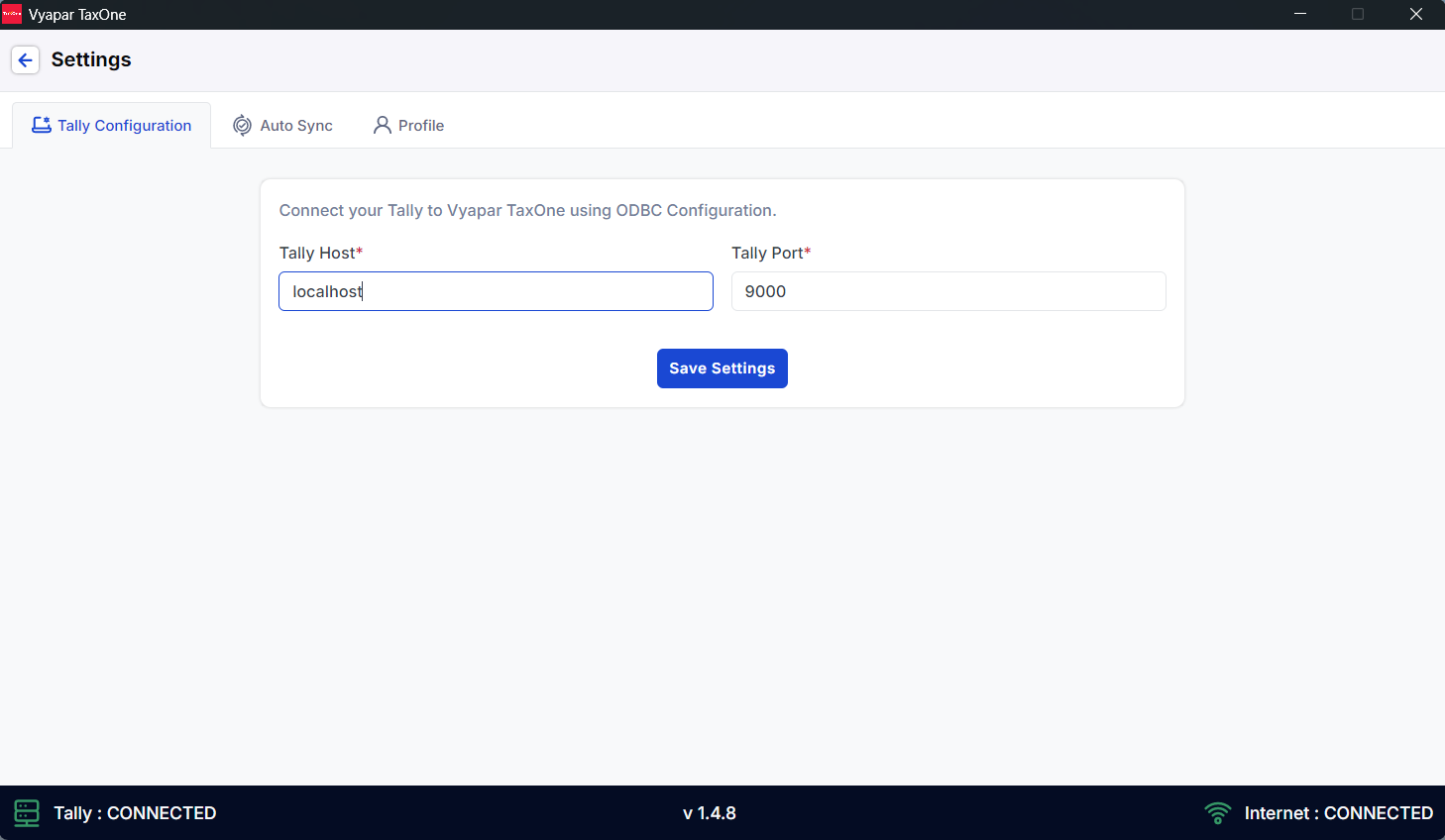
- Reopen the Vyapar TaxOne Desktop Application, go to "Settings," and edit the Tally Port. Click on "Save Settings." Go back to "My Companies" and sync your data from "Sync Master."
Step 3
- If after editing the port, you are still getting the same error, kindly change the Tally port in your Tally. Follow the steps below.
Step 3.1
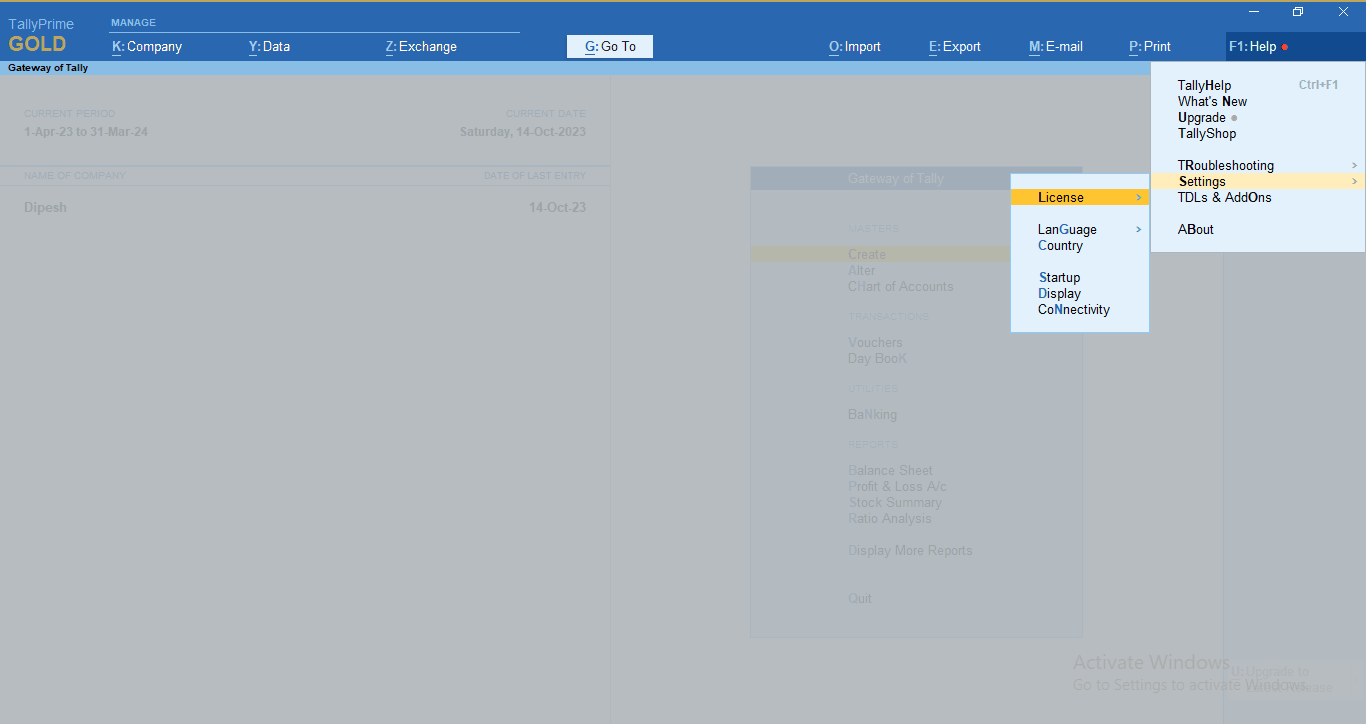
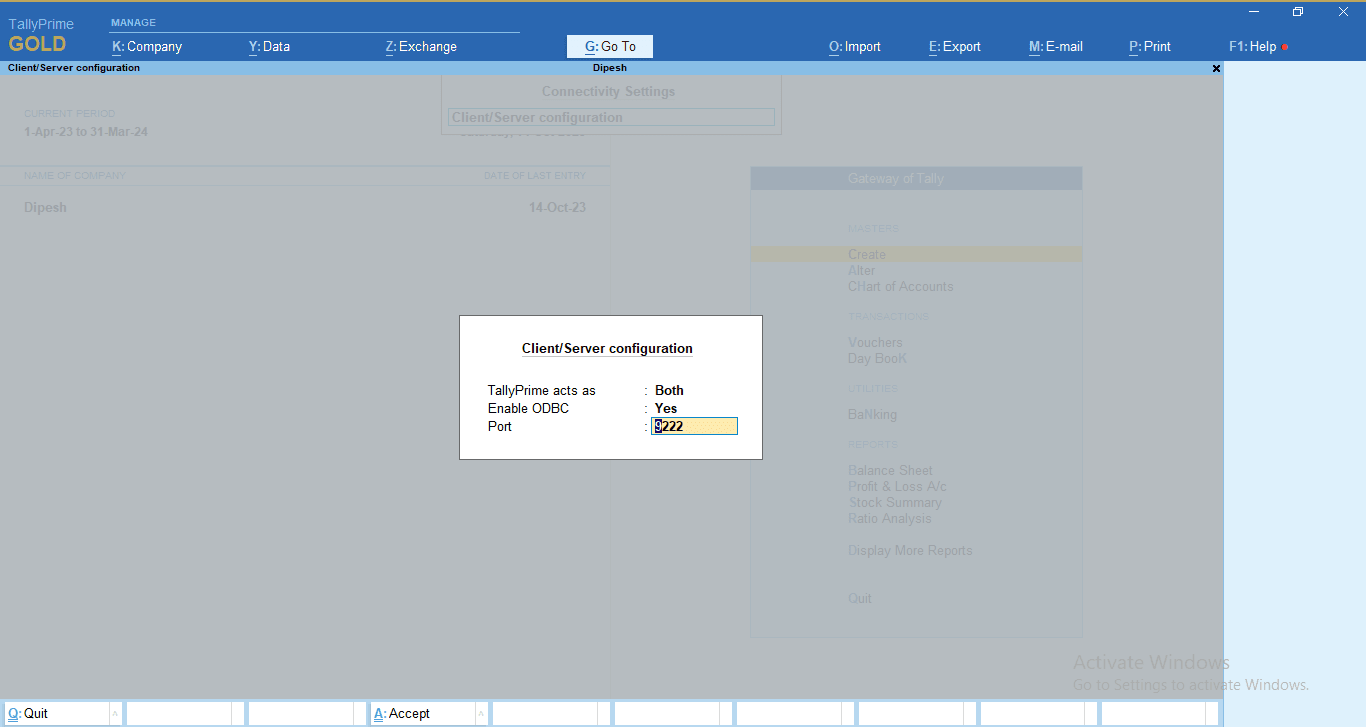
- Open Tally, go to F1:Help > Settings > Connectivity > Enter and edit the port to a unique 4-digit number.
Step 3.2
- Now, open the Vyapar TaxOne Desktop Application > Settings > Tally Port and enter the same Tally port you entered in your Tally. Click on Save Settings."