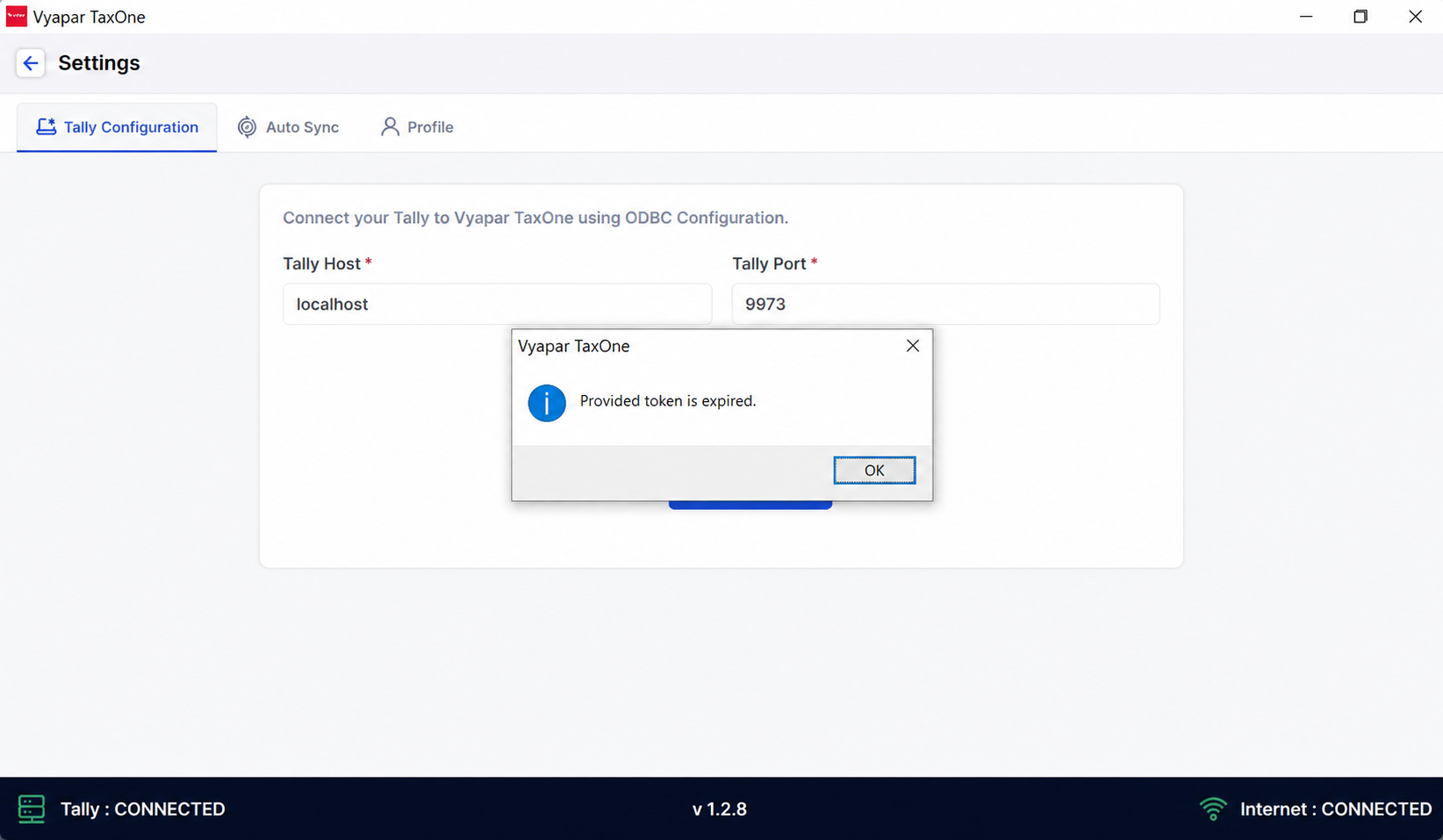
Provided token is expired.
While syncing ledgers, if you see "Provided token is expired," follow this guide to clear temp files or reinstall the Vyapar TaxOne app to fix the issue.
Provided Token is Expired
If you encounter the error "Provided token is expired", as shown in the image below:
Kindly follow the steps below:
Step 1
- Logout from the Vyapar TaxOne Desktop Application.
Step 2
- Close the Vyapar TaxOne Desktop Application.
Step 3
- Clear both temp files (temp and %temp%).
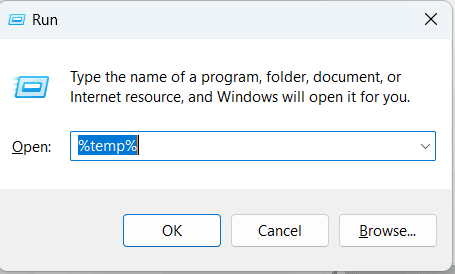
a. Press ⊞ Win+R to open the Run box.
- This method is used to clear temporary files.

b. Type "%temp%" in the Run box and press ↵ Enter.
- You’ll be directed to the folder that contains all the temporary files.
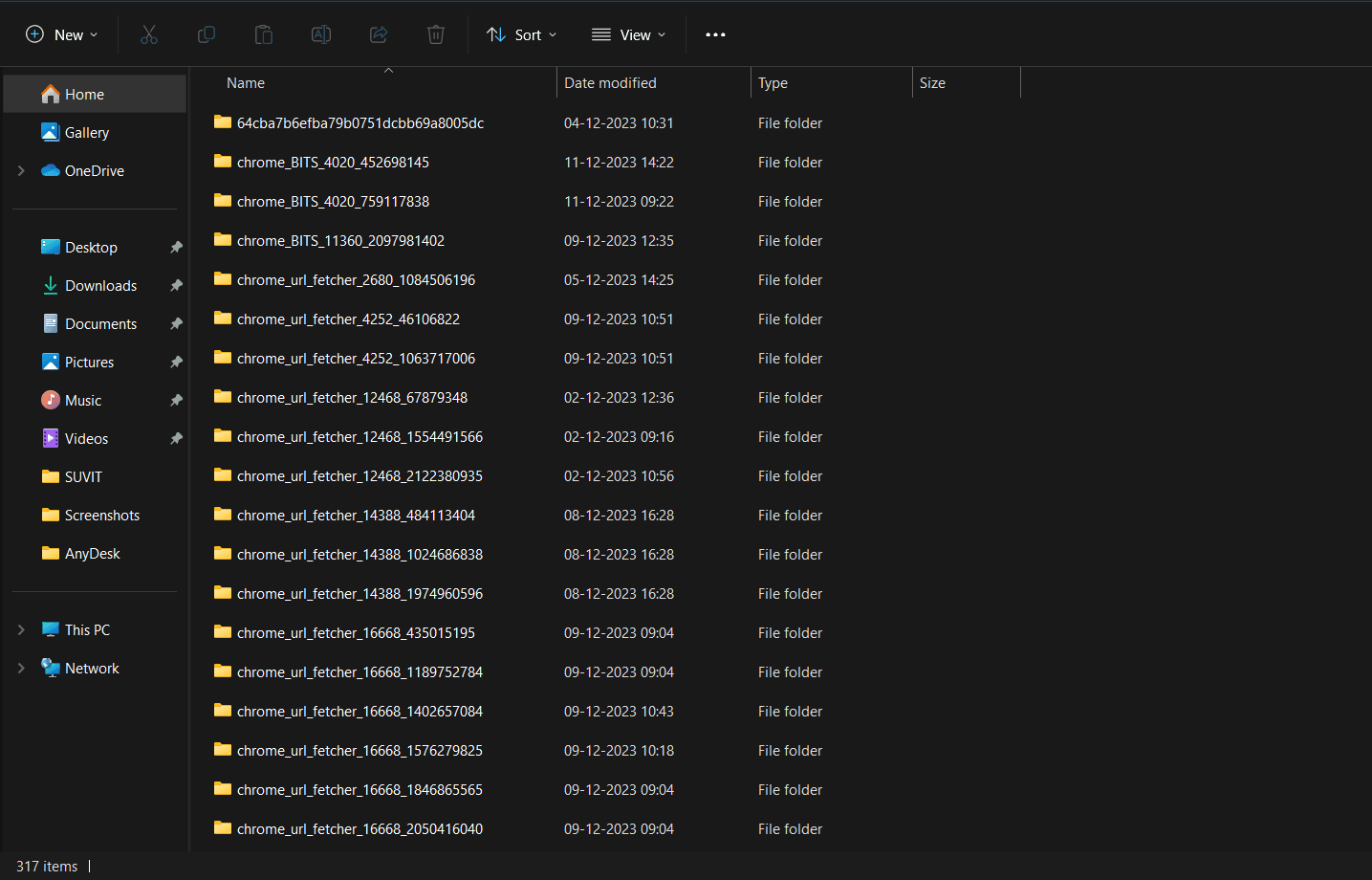
c. Select all files and folders.
- You can click the first file, press and hold ⇧ Shift, then click the last file, or you can press Ctrl+A to select them all and delete those files.
Step 4
- Reopen the Vyapar TaxOne Desktop Application.
Step 5
- Login into the Vyapar TaxOne Desktop Application.
